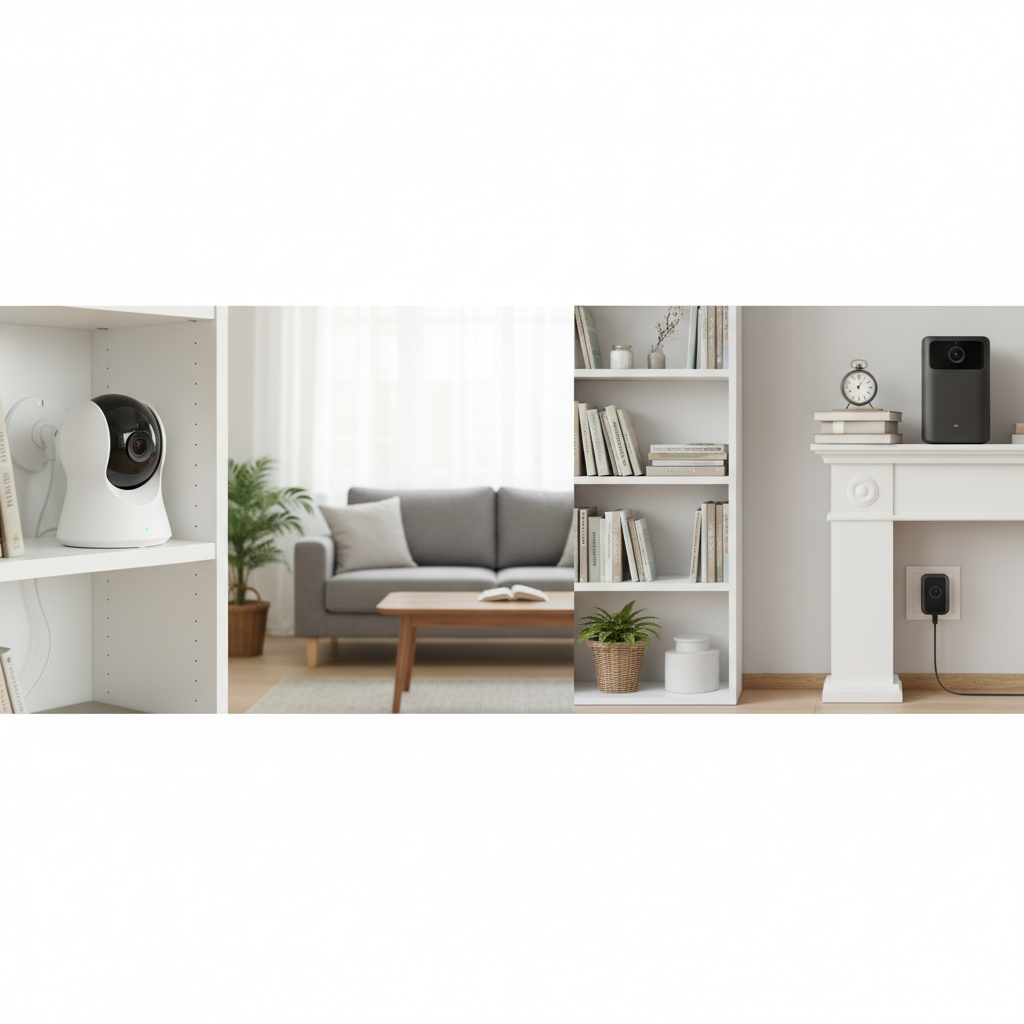
Ensuring the safety and security of your home is a top priority for any homeowner. In today’s interconnected world, indoor security cameras have emerged as indispensable tools, offering not just a watchful eye but also immense peace of mind. Whether you’re a busy parent wanting to check on your children, a pet owner who misses their furry friends during the day, or simply looking to safeguard your property against potential threats, selecting the right indoor security camera can feel like navigating a complex maze of features and technologies. This comprehensive guide will demystify the process, helping you understand the different types of cameras, essential features, and key considerations to make an informed decision for your home.
Understanding Indoor Security Cameras
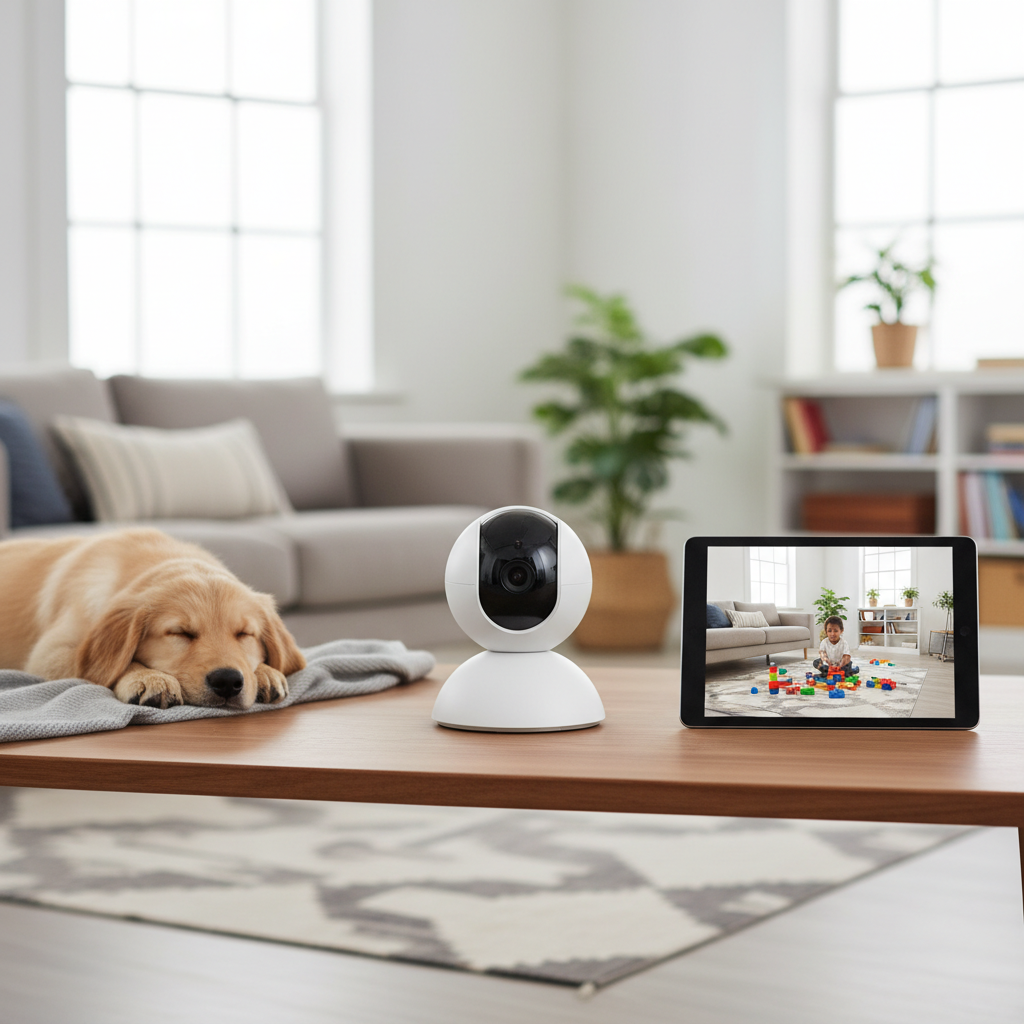
Indoor security cameras are specialized surveillance devices designed to monitor the interior spaces of your home. Unlike their outdoor counterparts, they are typically more discreet, less robust in terms of weatherproofing, and often prioritize features like two-way audio and integration with smart home ecosystems. Their primary purpose extends beyond just recording footage; they serve as a constant link to your home, enabling you to keep tabs on activities, deter unwelcome guests, and even communicate with family members or pets remotely.
The importance of indoor security cameras in modern home security cannot be overstated. They provide an additional layer of protection, acting as silent guardians that can detect unusual activity and alert you instantly. From confirming a delivery to providing crucial evidence in the unfortunate event of a break-in, these cameras offer invaluable utility. Common applications include monitoring entry points like front doors and hallways, keeping an eye on nurseries or playrooms, checking in on elderly relatives, and even interacting with pets while you’re away.
Types of Indoor Security Cameras
The market offers a variety of indoor security camera types, each with unique advantages and suitable for different scenarios. Understanding these distinctions is crucial in pinpointing the best fit for your specific needs.
Wi-Fi Cameras
Wi-Fi cameras are perhaps the most popular choice for home users due to their ease of installation and flexibility. These cameras connect to your home’s wireless network to transmit video footage and alerts.
- Pros: Easy setup and flexible placement without the need for extensive cabling. Many models are battery-powered, offering complete freedom from outlets, or use a simple power cord. Seamless integration with smartphone apps for remote viewing and control.
- Cons: Rely heavily on a stable internet connection; signal interference or outages can disrupt monitoring. Battery-powered models require periodic recharging or battery replacement.
- Typical Applications: Ideal for renters, apartments, or homes where drilling and extensive wiring are undesirable. Excellent for monitoring specific areas like a baby’s room, living room, or pet’s activity zone.
|
Our Picks for the Best Indoor security camera in 2026
As an Amazon Associate I earn from qualifying purchases.
|
||
| Num | Product | Action |
|---|---|---|
| 1 | Blink Mini - Compact indoor plug-in smart security camera, 1080p HD video, night vision, motion detection, two-way audio, easy set up, Works with Alexa – 1 camera (White) |

|
| 2 | AOQEE 2K Cameras for Home Security-Outdoor/Indoor Camera for Dog/Cat/Pet/Nanny/Baby/Elderly, Color Night Vision, White Light, Siren, 24/7 SD Recordings, Works with Alexa, Plug in (C1-White-2pack-2.4G) |
|
| 3 | Ring Indoor Cam Plus (newest model), Home or business security, Retinal 2K for crisp, true-to-life video quality, 4x Enhanced Zoom, Low-Light Sight, White |
|
| 4 | GNCC 2K Security Cameras 4pcs, Home Security Camera Indoor with 360° Motion Detection for Pets/Baby/Dog, Two-Way Audio, Night Vision, 24/7 SD Card Storage, Cloud Storage, Compatible with Alexa |
|
| 5 | Tapo 1080P Indoor Wired Security Camera - Works as a Baby & Pet Monitor, Motion Detection, 2-Way Audio, Siren, Night Vision, Subscription-Free Local or Optional Cloud, Works with Alexa, C100(4-Pack) |
|
| 6 | Cinnado Security Camera Indoor-2K 360° WiFi Cameras for Home Security,Pet/Dog/Baby Camera with Phone app, 2-Way Audio, Night Vision, 24/7 SD Card Storage, Works with Alexa & Google Home (2.4Ghz)-D1 |
|
| 7 | Ring Indoor Cam, Home or business security in 1080p HD video, White |
|
| 8 | Tapo 2K Indoor Pan/Tilt Wired Security Camera - Works as a Baby Monitor & Pet Camera, Motion Detection, 2-Way Audio, Siren, Night Vision, No-Subscription Local Storage or Optional Cloud, C211 (2-Pack) |
|
| 9 | Blink Mini 2K+ (newest model) – Plug-in Home & Pet Indoor Security Camera with 2K video resolution, night vision, enhanced audio, motion detection – 2 cameras (Black) |
|
| 10 | TP-Link Tapo 1080P Indoor Security Camera for Baby Monitor, Dog Camera w/Motion Detection, 2-Way Audio Siren, Night Vision, Cloud & SD Card Storage, Works w/Alexa & Google Home (Tapo C100) |
|
Wired Cameras (IP/PoE)
Wired cameras, often Internet Protocol (IP) cameras that use Power over Ethernet (PoE), transmit digital video data over an Ethernet cable, which also supplies power.
- Pros: Offer a highly stable and reliable connection without Wi-Fi interference. Generally provide higher bandwidth for superior video quality and frame rates. More secure against wireless hacking.
- Cons: Installation can be more involved, potentially requiring professional help to run cables through walls and ceilings. Less flexible in terms of placement once installed.
- Typical Applications: Suited for homeowners seeking maximum reliability and security, particularly in new constructions or major renovations where cabling can be integrated discreetly.
Pan-Tilt-Zoom (PTZ) Cameras
PTZ cameras are equipped with motorized lenses that allow you to remotely pan (rotate horizontally), tilt (move vertically), and zoom in or out on specific areas.
- Pros: Provide expansive coverage from a single vantage point, often offering a 360-degree view of a room. Excellent for actively monitoring large spaces and following moving subjects.
- Cons: While they cover a wide area, they often focus on one point at a time, meaning other areas might not be actively recorded unless programmed for patrols. Typically more expensive than fixed cameras.
- Typical Applications: Perfect for large open-plan living areas, monitoring multiple entry points from a central location, or keeping a close watch on children or pets across a wide space.
Stationary/Fixed Cameras
Stationary cameras, sometimes referred to as fixed cameras, are designed to monitor a specific, unmoving field of view. These often come in discreet dome or compact cube forms.
- Pros: Cost-effective and simpler in design, making them reliable. Excellent for consistent monitoring of a precise area without manual adjustment. Often blend easily into home decor due to their compact size.
- Cons: Limited field of view means multiple cameras might be needed to cover a large room or multiple angles. Lacks the dynamic capabilities of PTZ models.
- Typical Applications: Ideal for monitoring specific entryways, single rooms, or sensitive areas like a safe or a child’s crib where a static, focused view is sufficient.
Essential Features of Indoor Security Cameras
When evaluating indoor security cameras, several key features stand out as crucial for effective home monitoring and peace of mind.
Video Resolution and Image Quality
The clarity of your camera’s footage directly impacts its usefulness. High-definition (HD) 1080p resolution is considered the baseline for clear video, sufficient for identifying faces and objects. For even sharper details, 2K or 4K cameras offer superior image quality, which can be critical for evidence if an incident occurs. However, higher resolutions also require more storage space and better internet bandwidth.
Field of View and Coverage
The field of view (FOV) determines how much area the camera can capture. A wide-angle lens, typically offering between 120 to 180 degrees, is ideal for covering larger indoor spaces with fewer cameras. For dynamic coverage of expansive rooms, pan-tilt-zoom (PTZ) capabilities allow you to remotely adjust the camera’s angle and zoom, ensuring no corner is left unmonitored.
Night Vision
For 24/7 surveillance, night vision is a non-negotiable feature. Most indoor cameras use infrared (IR) LEDs to provide clear black-and-white footage in low-light or complete darkness. More advanced models may even offer color night vision, providing richer detail and better identification in dimly lit environments. This ensures your home remains protected around the clock.
Motion and Sound Detection
Effective indoor cameras come equipped with motion and sound detection to alert you to activity. Modern cameras often feature AI-powered detection that can distinguish between people, pets, or even packages, significantly reducing false alarms from a dog walking by or curtains swaying. Customizable sensitivity settings and activity zones further enhance their precision, sending immediate alerts to your smartphone or email with relevant snapshots or video clips.
Data Storage Options
How your camera stores footage is a critical consideration. You typically have two main options:
- Local Storage: Often via a microSD card slot directly on the camera. This provides cost-free storage, gives you full control over your data, and ensures recordings even if your internet goes down. However, capacity is limited, and footage can be lost if the camera is stolen or damaged.
- Cloud Storage: Involves uploading footage to a secure remote server, usually requiring a monthly subscription. This offers unlimited capacity, protects footage from camera theft/damage, and allows easy access from anywhere.
- Hybrid Options: Some cameras offer both, allowing for immediate local backup and optional cloud storage for critical events.
Two-Way Audio Communication
A valuable feature for indoor cameras, two-way audio allows you to both hear what’s happening in your home and speak through the camera’s built-in speaker. This is useful for communicating with family members, comforting a pet, or even deterring an intruder by speaking to them directly, making your presence known even when you’re not physically there.
Smart Home Integration and Remote Access
The best indoor security cameras integrate seamlessly with your existing smart home ecosystem, such as Google Home, Amazon Alexa, or Apple HomeKit. This allows for voice control, customized automation routines based on camera activity (e.g., turning on lights if motion is detected), and convenient remote access to live feeds and recordings via a user-friendly mobile app.
Privacy Features
Given that indoor cameras are placed within your personal space, privacy features are paramount. Look for cameras that offer privacy shutters to physically block the lens and microphone when you’re home. The ability to schedule recording times or set specific “privacy zones” also ensures you maintain control over when and what your cameras capture, especially in sensitive areas.
Comparison of Popular Indoor Security Camera Examples
When selecting an indoor security camera, you’ll encounter numerous reputable brands and models, each excelling in different areas. Here’s a generalized comparison to illustrate common feature sets:
| Feature | Basic Wi-Fi Cam (e.g., entry-level Wyze) | Mid-Range PTZ Cam (e.g., TP-Link Kasa) | Premium AI Cam (e.g., Google Nest Cam) |
|---|---|---|---|
| Resolution | 1080p Full HD | 2K Quad HD | 2K Quad HD |
| Field of View | 110-130° fixed | 360° Pan/Tilt, 100-130° lens FOV | 130-150° fixed |
| Night Vision | Basic IR (B&W) | Enhanced IR (B&W) | Enhanced IR (B&W), sometimes color |
| Storage | Local (SD card), optional Cloud | Local (SD card), optional Cloud | Cloud (subscription), limited local |
| Key Feature | Affordability, simple monitoring | Dynamic coverage, motion tracking | Advanced AI (person/pet detection) |
| Price Range | $25 – $50 | $50 – $100 | $100 – $200+ |
Your Guide to Purchasing an Indoor Security Camera
Navigating the multitude of options can be daunting. By following a structured approach, you can narrow down your choices and find the indoor security camera that perfectly aligns with your home and lifestyle.
Assess Your Home’s Security Needs
Start by identifying why you need an indoor camera. Do you primarily want to check on pets, monitor children, deter potential intruders, or keep an eye on a specific entry point? Consider the layout of your home and any vulnerable areas. This initial assessment will help you prioritize features, such as needing two-way audio for pet interaction or advanced motion detection for critical areas.
Determine Your Budget
Indoor security cameras vary significantly in price, from budget-friendly models under $50 to premium cameras exceeding $200. Establish a realistic budget before you start shopping. Remember that while a higher price often correlates with more advanced features like 2K/4K resolution, AI detection, or extensive smart home integration, there are excellent value options available that cover core security needs.
Research Reputable Brands and Models
The market is filled with reputable brands known for their quality and reliability, including Arlo, Ring, Nest, Eufy, TP-Link (Tapo/Kasa), and Wyze. Look into their product lines, compare models, and consider brand ecosystems if you plan to expand your smart home devices in the future. Brands that offer robust app support and regular firmware updates are also a good indication of long-term reliability.
Understand Installation Requirements
Decide whether you prefer a DIY installation or require professional setup. Most Wi-Fi cameras are designed for easy, user-friendly DIY installation. Wired (PoE) systems, however, might necessitate professional help to ensure proper cabling. Also, consider the camera’s power source: battery-powered options offer maximum flexibility but require recharging, while plug-in models need a nearby power outlet. For optimal coverage, mount cameras high on walls or in corners, ensuring they cover main entryways and high-traffic areas without pointing directly into bright lights or windows, which can cause glare.
Read User Reviews and Expert Opinions
Before making a final decision, consult a variety of user reviews and expert opinions. Real-world feedback can provide valuable insights into a camera’s performance, ease of use, app reliability, and customer support. Pay attention to comments regarding video quality in different lighting conditions, the accuracy of motion alerts, and the overall user experience.
Top Picks for Indoor Security Cameras
While specific model recommendations can change frequently with technological advancements, certain categories consistently offer excellent choices for different user needs.
- Best Overall for Advanced AI Features: A top-tier model that excels in intelligent detection, capable of accurately distinguishing between people, pets, and even specific activities. These cameras often integrate seamlessly with voice assistants and offer advanced cloud features, ideal for those seeking comprehensive, smart monitoring.
- Best Value Pan-Tilt Camera: A highly-rated camera that provides excellent panoramic coverage and remote control for a reasonable price. It typically offers 2K resolution, reliable motion tracking, and local storage options, making it perfect for monitoring large rooms without a premium cost.
- Best for Privacy Features: This type of camera prioritizes user privacy with features like an integrated privacy shutter that can be activated automatically or manually. It often boasts clear 1080p footage, two-way audio, and robust local storage capabilities, appealing to users who value security alongside discretion.
“Choosing an indoor security camera isn’t just about pixels and pan-tilt. It’s about finding a device that seamlessly integrates into your life, offering peace of mind without becoming an intrusive presence.” – Admin, ReviewByMo.com
Conclusion
Selecting the ideal indoor security camera for your home requires careful consideration of your specific needs, desired features, and budget. By understanding the different types—from flexible Wi-Fi models to reliable wired systems and dynamic PTZ cameras—and evaluating essential features like video quality, night vision, and smart detection, you can confidently choose a device that enhances your home’s safety. Remember to factor in storage options, privacy features, and smart home integration to ensure your choice provides both security and convenience. With the right indoor security camera, you gain not just a watchful eye, but also the invaluable peace of mind that comes from knowing your home and loved ones are protected. What aspect of indoor security gives you the most peace of mind?
Câu Hỏi Thường Gặp
How much resolution do I really need for an indoor camera?
For most homes, 1080p Full HD resolution is sufficient for clear footage, allowing you to identify faces and objects. If you require finer details for larger spaces or enhanced evidence, 2K or 4K cameras offer superior clarity but typically come at a higher cost and demand more storage and bandwidth.
Is local storage or cloud storage better for indoor cameras?
Both have advantages. Local storage (like an SD card) is cost-free and independent of internet connectivity, but footage can be lost if the camera is compromised. Cloud storage offers remote access and protection against camera damage, but usually involves a subscription fee. Many prefer hybrid solutions for a balance of benefits.
Can indoor security cameras be hacked?
While no system is entirely hack-proof, reputable brands employ strong encryption and security protocols to minimize risks. You can enhance security by using strong, unique passwords, enabling two-factor authentication, keeping firmware updated, and being cautious with public Wi-Fi networks.
What’s the best place to put an indoor security camera?
Strategically place indoor cameras in high-traffic areas such as main hallways, living rooms, or near entry points on the first floor. Mounting them high in a corner provides a wide vantage point and deters tampering. Ensure the camera’s field of view covers the desired area without direct glare from windows or bright lights.
Do I need a subscription for my indoor security camera?
Not always. Many indoor cameras offer basic functionalities like live viewing and local storage without a subscription. However, features such as cloud storage, advanced AI detection (person/pet recognition), extended video history, and professional monitoring often require a paid subscription service.