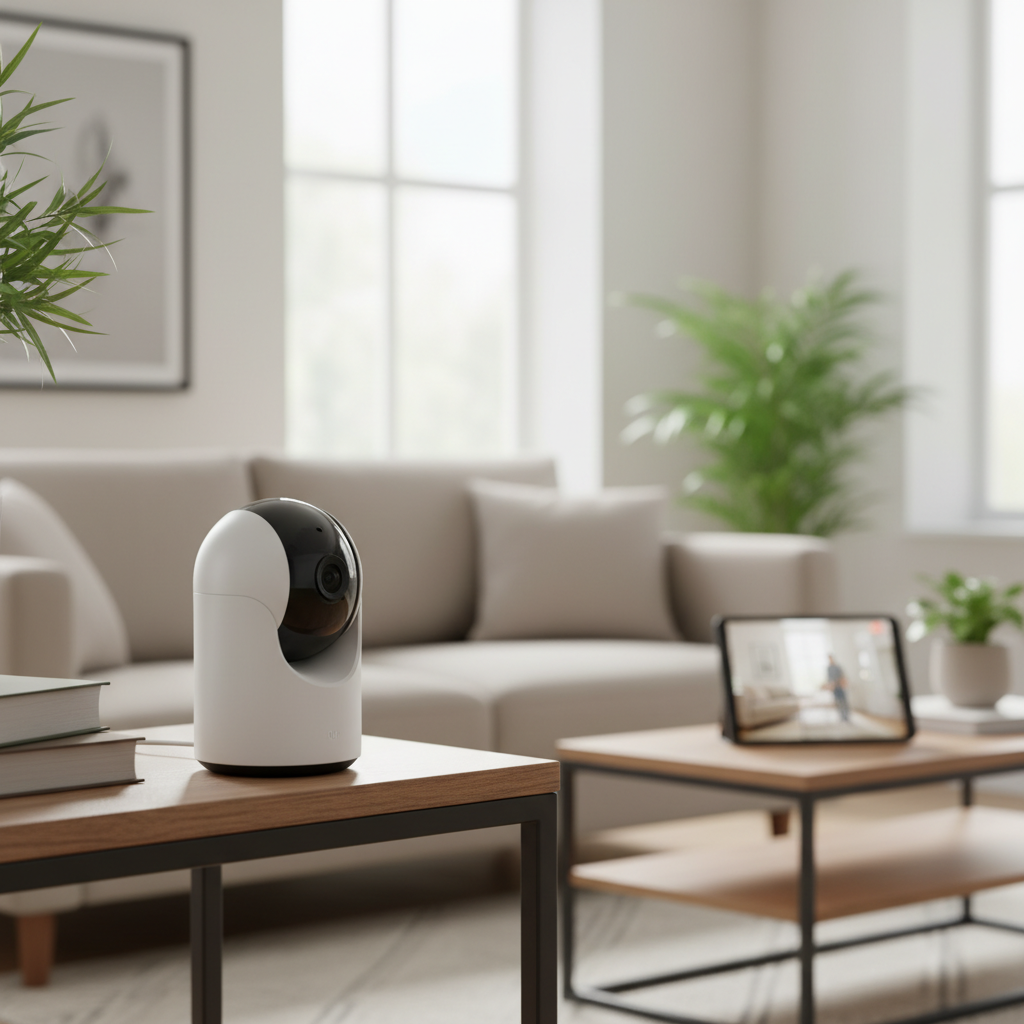
Choosing the right indoor security camera can feel overwhelming with the myriad of options available. Whether you’re a busy parent, a pet owner, or simply seeking peace of mind, an indoor security camera is an indispensable tool for safeguarding your home and loved ones. This comprehensive guide simplifies the selection process, breaking down essential features, different camera types, and top recommendations to help you make the smartest choice for your home security needs.
Understanding Indoor Security Cameras
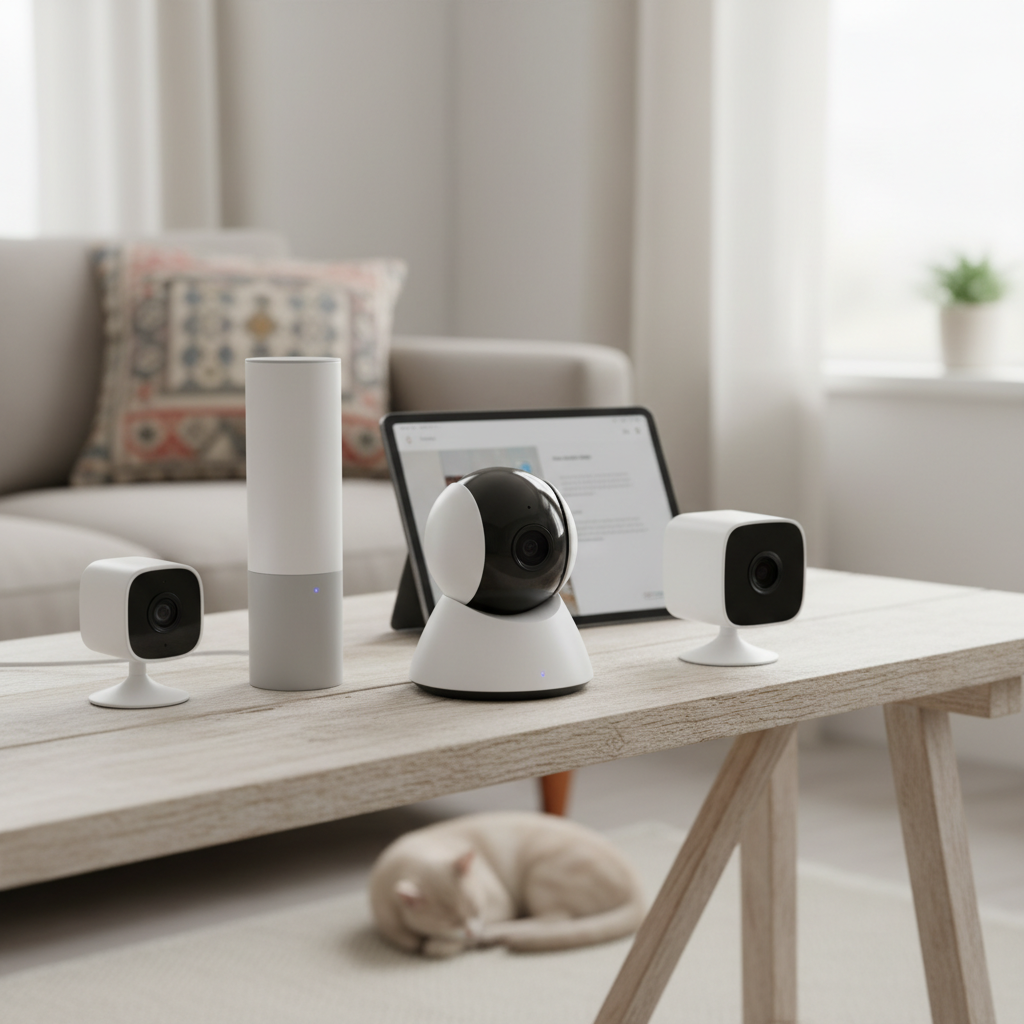
An indoor security camera is a surveillance device designed specifically to monitor the interior of your home or business, providing crucial insights and protection. These cameras act as vigilant eyes, offering continuous monitoring and the ability to record footage for later review. They are vital in home protection as they can deter potential intruders, document suspicious activities, and provide evidence in case of a break-in. Beyond security, their applications are diverse, extending to monitoring children, checking in on elderly relatives, keeping an eye on pets while you’re away, or simply ensuring everything is in order inside your property. Modern indoor cameras integrate seamlessly into smart home ecosystems, enhancing convenience and control over your living space.
Types of Indoor Security Cameras
The market offers various indoor security camera types, each with distinct advantages and disadvantages. Understanding these categories is crucial for selecting a camera that aligns with your specific needs and technical setup.
Camera IP (Internet Protocol)
IP cameras are the backbone of modern surveillance systems, connecting to your network via an internet connection. These digital cameras capture video footage and transmit it over an IP network, allowing for remote viewing and management through dedicated apps or web interfaces. IP cameras often boast higher resolutions, advanced features like AI-powered analytics, and flexible storage options.
- Advantages: High resolution (1080p, 2K, 4K), remote access, smart features (AI detection), digital zoom, easy integration with smart home systems.
- Disadvantages: Reliance on internet connection, potential cybersecurity risks (if not secured), can be more expensive.
- Applications: Ideal for users who want high-quality video, smart alerts, and seamless remote monitoring from anywhere.
|
Our Picks for the Best Indoor security camera in 2026
As an Amazon Associate I earn from qualifying purchases.
|
||
| Num | Product | Action |
|---|---|---|
| 1 | Tapo 2K Indoor Pan/Tilt Wired Security Camera - Works as a Baby Monitor & Pet Camera, Motion Detection, 2-Way Audio, Siren, Night Vision, No-Subscription Local Storage or Optional Cloud, C211 (2-Pack) |

|
| 2 | GNCC 2K Security Cameras 4pcs, Home Security Camera Indoor with 360° Motion Detection for Pets/Baby/Dog, Two-Way Audio, Night Vision, 24/7 SD Card Storage, Cloud Storage, Compatible with Alexa |
|
| 3 | Tapo 1080P Indoor Wired Security Camera - Works as a Baby & Pet Monitor, Motion Detection, 2-Way Audio, Siren, Night Vision, Subscription-Free Local or Optional Cloud, Works with Alexa, C100(4-Pack) |
|
| 4 | Cinnado Security Camera Indoor-2K 360° WiFi Cameras for Home Security,Pet/Dog/Baby Camera with Phone app, 2-Way Audio, Night Vision, 24/7 SD Card Storage, Works with Alexa & Google Home (2.4Ghz)-D1 |
|
| 5 | AOQEE 2K Cameras for Home Security-Outdoor/Indoor Camera for Dog/Cat/Pet/Nanny/Baby/Elderly, Color Night Vision, White Light, Siren, 24/7 SD Recordings, Works with Alexa, Plug in (C1-White-2pack-2.4G) |
|
| 6 | Ring Indoor Cam, Home or business security in 1080p HD video, White |
|
| 7 | Blink Mini 2K+ (newest model) – Plug-in Home & Pet Indoor Security Camera with 2K video resolution, night vision, enhanced audio, motion detection – 2 cameras (Black) |
|
| 8 | Ring Indoor Cam Plus (newest model), Home or business security, Retinal 2K for crisp, true-to-life video quality, 4x Enhanced Zoom, Low-Light Sight, White |
|
| 9 | Blink Mini - Compact indoor plug-in smart security camera, 1080p HD video, night vision, motion detection, two-way audio, easy set up, Works with Alexa – 1 camera (White) |
|
| 10 | TP-Link Tapo 1080P Indoor Security Camera for Baby Monitor, Dog Camera w/Motion Detection, 2-Way Audio Siren, Night Vision, Cloud & SD Card Storage, Works w/Alexa & Google Home (Tapo C100) |
|
Camera Analog
Analog cameras are traditional surveillance devices that transmit video signals over coaxial cables to a digital video recorder (DVR). Unlike IP cameras, they do not rely on an internet connection for basic functionality, making them suitable for environments with unreliable Wi-Fi. However, they generally offer lower resolution and lack the advanced smart features of IP cameras.
- Advantages: Stable, direct connection, less susceptible to network interference, no Wi-Fi required, often more budget-friendly.
- Disadvantages: Lower resolution, no remote viewing without additional setup, less flexible installation due to wiring, limited smart features.
- Applications: Best for straightforward, continuous recording to a local DVR, especially in situations where internet connectivity is a concern.
Camera PTZ (Pan-Tilt-Zoom)
Pan-Tilt-Zoom (PTZ) cameras are renowned for their mechanical flexibility, allowing users to remotely control the camera’s viewing angle. They can pan horizontally, tilt vertically, and zoom in or out on specific areas. This adaptability makes them highly versatile for covering large spaces with a single device.
- Advantages: Wide area coverage (up to 360 degrees), optical zoom for clear detail, remote control via app, auto-tracking capabilities in some models.
- Disadvantages: Can create blind spots if not actively monitored or programmed, mechanical parts can wear over time, generally higher cost.
- Applications: Excellent for monitoring large living rooms, open-plan areas, or spaces where tracking movement across a wide expanse is necessary.
Camera WiFi
Wi-Fi cameras are a popular subset of IP cameras that connect wirelessly to your home’s internet network. This wireless connectivity offers significant flexibility in placement, as they don’t require Ethernet cables for data transmission. Many Wi-Fi cameras are also “wire-free,” meaning they run on batteries and don’t need a power cord, further simplifying installation.
- Advantages: Easy installation and relocation, remote viewing via smartphone apps, typically battery-powered options available, sleek designs.
- Disadvantages: Reliability depends on Wi-Fi signal strength, battery cameras require recharging, potential for network interference.
- Applications: Perfect for renters, those who want minimal wiring, or for monitoring temporary spaces without complex installation.
Essential Features of Indoor Security Cameras
When selecting an indoor security camera, certain features significantly enhance its effectiveness and your overall peace of mind. Prioritizing these capabilities will help you find a camera that truly meets your home’s security demands.
Resolution and Image Quality
The clarity of your camera’s footage is paramount for identifying faces and objects. Most indoor cameras offer 1080p Full HD resolution, which is generally sufficient. However, for even sharper images and the ability to zoom in without significant pixelation, consider cameras with 2K or 4K Ultra HD resolution. Higher resolution provides more detailed footage, which can be critical for evidence or recognizing subtle details.
Field of View and Pan-Tilt-Zoom
The field of view (FoV) dictates how much area the camera can capture. A wide-angle lens (typically 120-180 degrees) is ideal for larger rooms, minimizing the need for multiple cameras. For dynamic coverage, Pan-Tilt-Zoom (PTZ) functionality allows you to remotely adjust the camera’s horizontal and vertical angles, as well as zoom in, providing comprehensive surveillance of a broad area with precise control.
Night Vision
Security needs don’t end when the sun goes down. Effective night vision is crucial for 24/7 monitoring. Most cameras use infrared (IR) LEDs to provide clear black-and-white footage in low-light or complete darkness. Increasingly, advanced models offer color night vision, which can provide more contextual details, though it generally requires some ambient light.
Motion and Sound Detection
Modern indoor cameras excel at detecting activity and alerting you to potential issues. Look for smart motion detection that can differentiate between people, pets, and inanimate objects (like swaying curtains) to minimize false alarms. Customizable sensitivity and activity zones allow you to tailor alerts to specific areas of interest. Some cameras also include sound detection, alerting you to unusual noises like breaking glass or a baby crying.
Data Storage
How your footage is stored is a critical consideration. Options typically include local storage (microSD cards or a network video recorder/NVR) and cloud storage (requiring a subscription). Many cameras now offer hybrid solutions, combining local storage for continuous recording with cloud storage for accessible clips and backups. Local storage offers privacy and no ongoing fees, while cloud storage provides off-site backup and easy access from anywhere.
Two-Way Audio
The ability to hear and speak through your camera adds a significant layer of interaction and deterrence. Two-way audio allows you to communicate with family members or pets, or even verbally warn off an intruder. This feature transforms the camera from a passive observer into an active communication tool.
Connectivity and Remote Control
Most indoor security cameras connect to your home network via Wi-Fi, offering flexibility and remote access through a smartphone app. Some wired options provide a more stable connection, crucial for continuous recording. Ensure the camera’s app is user-friendly and allows for easy viewing of live feeds, reviewing recordings, and adjusting settings. Integration with smart home platforms like Amazon Alexa or Google Home enables voice control and automation.
Privacy Features
Given that indoor cameras operate within your living space, privacy is a significant concern. Look for features such as physical privacy shutters that can block the camera’s lens, or the ability to schedule recording times. Encrypted footage and secure cloud storage are also vital to protect your data from unauthorized access.
Comparison Table of Popular Indoor Security Cameras
| Feature | Arlo Essential Pan Tilt Indoor (2nd Gen) | Wyze Cam v4 | Google Nest Cam Indoor (Wired, 3rd Gen) |
|---|---|---|---|
| Resolution | 2K | HD (1080p) | HD (1080p) |
| Field of View | 360° Pan, 105° Tilt | Fixed, Digital Zoom | 135° diagonal |
| Night Vision | Color Night Vision | Infrared Night Vision | Enhanced IR Night Vision |
| Storage | Cloud, Local (SD card via Arlo SmartHub) | Cloud, Local (MicroSD card) | Cloud (subscription), Local (24/7 recording to Nest Hub Max) |
| Price (Approx.) | $40 – $50 | Under $40 | $99 – $150 |
Buying Guide for Indoor Security Cameras
Navigating the market for an indoor security camera can be straightforward if you follow a structured approach. This guide will walk you through the essential steps to make an informed decision.
Determine Your Needs
Before anything else, clarify the primary purpose of your indoor security camera. Are you looking to monitor a baby’s room, keep an eye on pets, deter potential intruders, or check in on elderly family members? Your specific needs will dictate the features you prioritize, such as two-way audio for communication, pan-tilt capabilities for wide coverage, or advanced person detection for security. Consider the areas you need to cover – a single room might need a fixed camera, while a large open space could benefit from a PTZ model.
Set a Budget
Indoor security cameras vary significantly in price, from budget-friendly options under $50 to high-end models exceeding $200. Beyond the initial purchase cost, factor in potential ongoing expenses like cloud storage subscriptions, which can add up over time. Some brands offer free basic cloud storage, while others require a monthly fee for extended video history or advanced features. Setting a clear budget beforehand will help narrow down your choices effectively.
Reputable Brands
Opting for cameras from well-known and reputable brands often ensures better quality, reliability, and customer support. Brands like Arlo, Google Nest, Ring, Wyze, TP-Link, and Eufy have established track records in the home security market. While emerging brands might offer competitive pricing, established names typically provide more robust ecosystems and consistent software updates.
Review Specifications
Once you have a few models in mind, delve into their technical specifications. Pay close attention to resolution (1080p, 2K, 4K), field of view, night vision range and type (infrared vs. color), and storage options (local vs. cloud). Check for smart detection capabilities (person, motion, sound), two-way audio quality, and compatibility with your existing smart home setup (e.g., Alexa, Google Assistant).
Read User Reviews
Before making a final decision, consult reviews from other users. Real-world experiences can highlight practical pros and cons that might not be apparent from product descriptions. Look for consistent feedback regarding ease of installation, app functionality, reliability of alerts, and customer service. Websites specializing in tech reviews or major online retailers are good sources for unbiased opinions.
Warranty and Support
A good warranty and accessible customer support are crucial for any electronic device. Check the warranty period offered by the manufacturer and the availability of technical support channels (phone, email, live chat). Knowing that you have reliable support can provide significant peace of mind should you encounter any issues with your camera down the line.
Top Picks: Best Indoor Security Cameras
Choosing an indoor security camera means finding a blend of features, reliability, and value. Here are three top contenders that cater to different needs and budgets, based on their performance and user appeal.
Arlo Essential Pan Tilt Indoor (2nd Gen)
The Arlo Essential Pan Tilt Indoor camera is a versatile choice for comprehensive indoor surveillance. It stands out with its 2K resolution, delivering crisp, clear footage that captures fine details. The standout feature is its pan and tilt functionality, offering a remarkable 360-degree horizontal coverage and 105-degree vertical tilt, eliminating blind spots in larger rooms. It also boasts color night vision, which can provide more descriptive detail than standard infrared. While it offers cloud storage with a subscription, local storage is available via an Arlo SmartHub. This camera is ideal for those who need to monitor a large area dynamically and appreciate advanced video quality and features.
Google Nest Cam Indoor (Wired, 3rd Gen)
For users deeply integrated into the Google Home ecosystem, the Google Nest Cam Indoor (Wired, 3rd Gen) is a premium choice. It offers reliable 1080p HD video quality with enhanced infrared night vision for clear footage around the clock. What sets Nest Cam apart is its sophisticated AI-powered alerts, including person detection, which intelligently notifies you of significant activity while minimizing false alarms. It provides seamless integration with Google Assistant and other Nest devices. While it functions well as a standalone, its full potential, including extensive video history and advanced alerts, is unlocked with a Nest Aware subscription. This camera is perfect for smart home enthusiasts prioritizing intelligent alerts and tight ecosystem integration.
Wyze Cam v4
The Wyze Cam v4 continues Wyze’s tradition of offering exceptional value without compromising on essential features. Priced affordably, it delivers clear 1080p HD video and reliable infrared night vision, making it an excellent budget-friendly option. It supports local storage via a microSD card and offers cloud storage options, providing flexibility for recording. The Wyze Cam is celebrated for its ease of setup and a user-friendly app that makes monitoring simple. While it may not have the premium features of its more expensive counterparts, it consistently delivers on core functionality. This camera is an ideal choice for first-time buyers, those on a tight budget, or anyone looking for a straightforward, dependable indoor monitoring solution.
“The real value of an indoor security camera isn’t just in catching an event, but in providing the comfort and certainty that comes from knowing you can check in on your home anytime, anywhere.” – Mo, Admin of ReviewByMo.com
Conclusion
Choosing the ideal indoor security camera doesn’t have to be a daunting task. By carefully considering your specific needs, understanding the different types of cameras available, and focusing on essential features like resolution, night vision, and smart detection, you can confidently select a device that offers both security and peace of mind. Whether you opt for a feature-rich IP camera with AI, a flexible PTZ model, or a budget-friendly Wi-Fi camera, the goal remains the same: to protect what matters most inside your home. With the right indoor security camera, you’re not just buying a gadget; you’re investing in a smarter, safer living environment. What aspect of indoor security gives you the most peace of mind?
Frequently Asked Questions
What is the best resolution for an indoor security camera?
For an indoor security camera, 1080p Full HD resolution is generally sufficient for clear identification of faces and objects. However, for superior detail and better digital zoom capabilities, 2K or 4K Ultra HD cameras offer enhanced clarity, which can be particularly useful for reviewing footage in detail.
Do indoor security cameras need Wi-Fi?
Most modern indoor security cameras rely on Wi-Fi for remote viewing, alerts, and smart features. However, some traditional analog cameras or certain IP cameras can operate via a wired Ethernet connection to a DVR/NVR, providing a more stable connection and not requiring Wi-Fi for recording, though remote access would still typically need an internet connection.
How much does cloud storage for security cameras cost?
The cost of cloud storage for security cameras varies significantly by brand and the level of service. Many companies offer basic free plans with limited video history (e.g., 24 hours). Paid subscriptions can range from $3 to $10 per month per camera, or higher for multi-camera plans, offering extended video history, advanced AI features, and more storage capacity.
Can indoor security cameras record 24/7?
Yes, many indoor security cameras are capable of 24/7 continuous recording, especially those connected to a constant power source and using local storage (like a microSD card or NVR) or a cloud subscription plan that supports it. Battery-powered cameras typically focus on motion-activated recording to conserve battery life.
What are privacy features on indoor security cameras?
Privacy features on indoor security cameras are designed to protect your personal space. These can include physical privacy shutters that mechanically cover the lens, privacy modes that disable recording or streaming, and the ability to schedule recording times. Encrypted data transmission and storage are also crucial for privacy protection.
Are PTZ cameras worth it for indoor use?
PTZ (Pan-Tilt-Zoom) cameras are worth it for indoor use if you need to monitor a large, open space with a single camera or if you want the flexibility to manually or automatically track movement. They provide a wider field of view and the ability to zoom in on details, making them highly versatile, though they can be more expensive than fixed cameras.