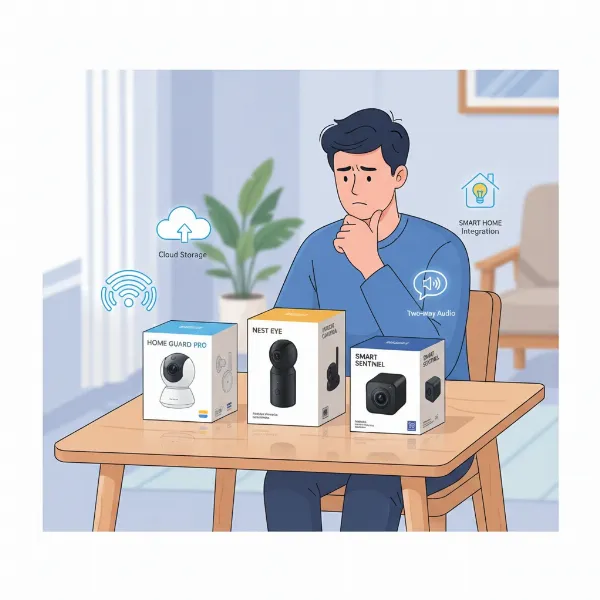
In an age where smart homes are becoming the norm, the question of whether an indoor security camera is a worthwhile investment weighs on many homeowners. You might be wondering if it’s just another gadget or a vital tool for peace of mind. For those with families, pets, or valuable possessions, an indoor security camera isn’t just a luxury; it’s a fundamental layer of protection, offering constant vigilance and real-time insights into your home’s safety and activity. This guide delves into the world of indoor security cameras, exploring their importance, types, features, and how to choose the best one to safeguard your sanctuary.
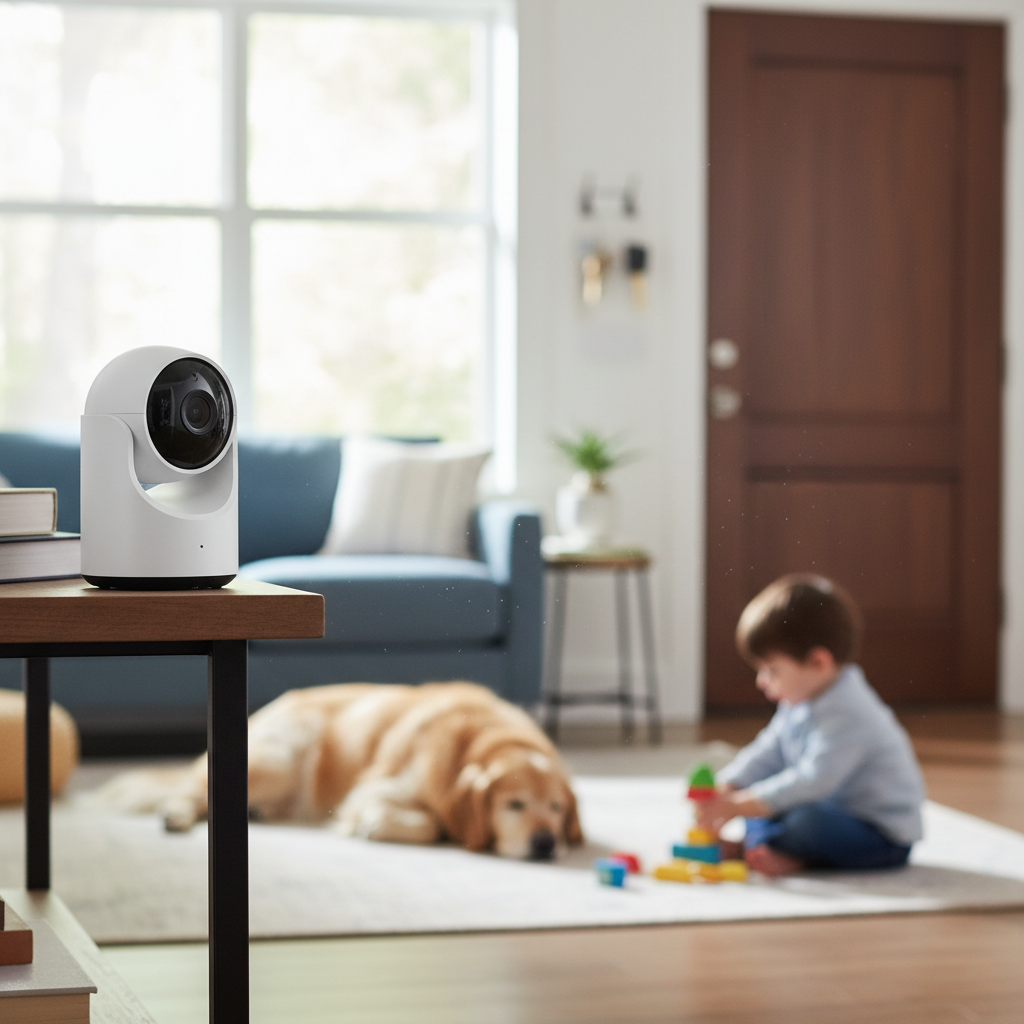
Overview of Indoor Security Cameras
An indoor security camera is a device designed to monitor the interior spaces of your home, capturing video footage and often audio. These cameras connect to a network, allowing you to view live feeds or recorded events from anywhere via a smartphone, tablet, or computer. Unlike outdoor cameras focused on perimeter security, indoor cameras provide oversight within your living spaces, offering a crucial layer of protection against various domestic concerns.
The importance of indoor security cameras in protecting your home cannot be overstated. They act as your eyes and ears when you’re away, deterring potential intruders, monitoring household activities, and even serving as a tool for checking in on loved ones or pets. Their presence can significantly reduce the risk of theft and provide invaluable evidence in case of a break-in. Furthermore, for those with elderly relatives or young children, these cameras offer an essential means of remote supervision and care.
Common applications of indoor security cameras extend beyond just intruder detection. They are widely used for monitoring babies and young children, often replacing traditional baby monitors with more advanced features like high-definition video and two-way audio. Pet owners utilize them to keep an eye on their furry friends, check for separation anxiety, or simply ensure they’re not getting into mischief. They are also useful for monitoring service providers, such as cleaners or dog walkers, ensuring trust and accountability when you’re not present.
Popular Types of Indoor Security Cameras
The market for indoor security cameras is diverse, offering various types tailored to different needs and preferences. Understanding the distinctions between these categories can help you make an informed decision about which camera best suits your home environment and security objectives.
IP Cameras
IP (Internet Protocol) cameras are digital video cameras that transmit data over an IP network, allowing for remote viewing and recording. They are the most common type of indoor camera in modern smart homes.
- Advantages: High resolution, flexible placement, advanced features like AI-powered motion detection, cloud storage, and easy integration with smart home ecosystems. Many offer Power over Ethernet (PoE) for simplified installation.
- Disadvantages: Can be more expensive than analog cameras, require a robust Wi-Fi network for optimal performance, and may have initial setup complexities.
- Practical Applications: Ideal for tech-savvy users seeking high-quality video, smart home integration, and advanced monitoring capabilities. Perfect for monitoring large areas or integrating into a comprehensive security system.
|
Our Picks for the Best Indoor security camera in 2026
As an Amazon Associate I earn from qualifying purchases.
|
||
| Num | Product | Action |
|---|---|---|
| 1 | Ring Indoor Cam Plus (newest model), Home or business security, Retinal 2K for crisp, true-to-life video quality, 4x Enhanced Zoom, Low-Light Sight, White |

|
| 2 | AOQEE 2K Cameras for Home Security-Outdoor/Indoor Camera for Dog/Cat/Pet/Nanny/Baby/Elderly, Color Night Vision, White Light, Siren, 24/7 SD Recordings, Works with Alexa, Plug in (C1-White-2pack-2.4G) |
|
| 3 | TP-Link Tapo 1080P Indoor Security Camera for Baby Monitor, Dog Camera w/Motion Detection, 2-Way Audio Siren, Night Vision, Cloud & SD Card Storage, Works w/Alexa & Google Home (Tapo C100) |
|
| 4 | Tapo 1080P Indoor Wired Security Camera - Works as a Baby & Pet Monitor, Motion Detection, 2-Way Audio, Siren, Night Vision, Subscription-Free Local or Optional Cloud, Works with Alexa, C100(4-Pack) |
|
| 5 | Tapo 2K Indoor Pan/Tilt Wired Security Camera - Works as a Baby Monitor & Pet Camera, Motion Detection, 2-Way Audio, Siren, Night Vision, No-Subscription Local Storage or Optional Cloud, C211 (2-Pack) |
|
| 6 | Blink Mini 2K+ (newest model) – Plug-in Home & Pet Indoor Security Camera with 2K video resolution, night vision, enhanced audio, motion detection – 2 cameras (Black) |
|
| 7 | Cinnado Security Camera Indoor-2K 360° WiFi Cameras for Home Security,Pet/Dog/Baby Camera with Phone app, 2-Way Audio, Night Vision, 24/7 SD Card Storage, Works with Alexa & Google Home (2.4Ghz)-D1 |
|
| 8 | GNCC 2K Security Cameras 4pcs, Home Security Camera Indoor with 360° Motion Detection for Pets/Baby/Dog, Two-Way Audio, Night Vision, 24/7 SD Card Storage, Cloud Storage, Compatible with Alexa |
|
| 9 | Blink Mini - Compact indoor plug-in smart security camera, 1080p HD video, night vision, motion detection, two-way audio, easy set up, Works with Alexa – 1 camera (White) |
|
| 10 | Ring Indoor Cam, Home or business security in 1080p HD video, White |
|
Analog Cameras
Analog cameras, also known as CCTV (Closed-Circuit Television) cameras, capture video signals and send them to a DVR (Digital Video Recorder) via coaxial cables.
- Advantages: Generally more affordable, simpler technology, and often robust in environments with potential Wi-Fi interference.
- Disadvantages: Lower video resolution compared to IP cameras, require extensive cabling, and lack advanced smart features or remote control without additional hardware.
- Practical Applications: Best suited for users on a tighter budget who prioritize basic surveillance and don’t require advanced smart features or high-definition streaming. Often used in older or larger installations where existing cabling is present.
PTZ (Pan-Tilt-Zoom) Cameras
PTZ cameras are a specialized type of camera that allows you to control the lens’s movement remotely, enabling it to pan horizontally, tilt vertically, and zoom in or out on specific areas.
- Advantages: Provide extensive coverage of large rooms or multiple angles from a single camera, offer detailed close-ups, and can be programmed for automated patrol paths.
- Disadvantages: Typically more expensive, mechanical components can be prone to wear, and constant movement might draw attention or be distracting.
- Practical Applications: Excellent for monitoring expansive living areas, checking on pets across a room, or when you need the flexibility to focus on different zones without multiple fixed cameras.
Wi-Fi Cameras
Wi-Fi cameras are wireless IP cameras that connect to your home’s Wi-Fi network to transmit video data. They are extremely popular for their ease of installation and flexibility.
- Advantages: Simple installation with no extensive wiring, highly portable, and can be easily relocated. Offer remote access and often integrate with smart home platforms.
- Disadvantages: Reliant on a stable Wi-Fi connection, battery-powered models require regular recharging, and can be susceptible to network interference.
- Practical Applications: Perfect for renters, small apartments, or anyone seeking a flexible, easy-to-install solution for monitoring specific areas. Ideal for baby monitoring or pet cameras.
[image-1|family-security-home-monitoring|A family interacting with an indoor security camera in a modern living room, highlighting peace of mind and connectivity.|
A cheerful family, including parents and two young children, happily interacting with a sleek, minimalist indoor security camera mounted on a shelf in their brightly lit, modern living room. The camera has a subtle, friendly design. The scene emphasizes connectivity, peace of mind, and the integration of technology into daily family life, with warm, inviting lighting and a cozy, contemporary aesthetic. The family is smiling and looking towards the camera.]
Essential Features of Indoor Security Cameras
When evaluating indoor security cameras, several key features significantly impact their effectiveness, usability, and overall value. Understanding these features will help you prioritize what matters most for your specific security needs.
Resolution and Image Quality
The resolution of a camera determines the clarity and detail of its video footage. Higher resolutions, such as 1080p (Full HD), 2K, or even 4K, provide sharper images that can make a critical difference in identifying faces or small details. Good image quality ensures that recorded footage is useful, especially for evidence purposes or close inspection. Always opt for at least 1080p for clear visuals.
Field of View and Pan-Tilt Capabilities
The field of view (FoV) refers to the area the camera can see. A wider FoV (measured in degrees) means the camera covers more space. Some cameras offer fixed wide-angle lenses, while others, like PTZ models, provide pan (horizontal), tilt (vertical), and zoom capabilities, allowing you to adjust the viewing angle remotely. This is crucial for covering larger rooms or tracking moving subjects.
Night Vision
Since many incidents occur under low-light conditions, robust night vision is a critical feature. Most indoor cameras use infrared (IR) LEDs to illuminate dark areas, capturing clear black-and-white footage. Advanced models may offer color night vision, which uses ambient light or specialized sensors to provide a more detailed, colored image even in dim settings, though this is less common for purely indoor setups.
Motion Detection Capabilities
Effective motion detection is fundamental for any security camera. Basic systems simply alert you to any movement, which can lead to false alarms from pets or shadows. More advanced cameras feature customizable activity zones, human detection, or even pet detection, powered by AI, to significantly reduce irrelevant notifications and ensure you’re only alerted to genuine threats.
Data Storage (SD Card, Cloud)
How your footage is stored is a major consideration.
- Local Storage (SD Card): Offers privacy and no recurring fees. Footage is stored directly on an SD card within the camera, making it accessible even during internet outages. However, the card can be stolen or filled up.
- Cloud Storage: Provides off-site backup, protecting footage even if the camera is compromised. It usually involves a subscription fee but offers convenience, accessibility from anywhere, and often more extensive recording history. Many systems offer a hybrid approach with both local and cloud options.
Two-Way Audio
Two-way audio allows you to not only hear what’s happening near the camera but also speak through it, using your smartphone. This feature is invaluable for communicating with family members, comforting pets, or even warning off potential intruders remotely, creating a sense of presence even when you’re away.
Connectivity and Remote Control
The ability to connect to your camera from anywhere via a smartphone app is a core feature of modern indoor cameras. This includes live streaming, reviewing recorded footage, adjusting settings, and receiving alerts. Integration with smart home ecosystems (like Amazon Alexa, Google Home, or Apple HomeKit) allows for voice control and automation, enhancing convenience and overall security.
Comparison Table of Popular Indoor Security Camera Models
To help illustrate the differences and capabilities across various indoor security cameras, here’s a comparison of hypothetical models representing common offerings in the market.
| Feature | SmartCam Pro | Sentinel Mini | VisionGuard Flex |
|---|---|---|---|
| Resolution | 2K (1440p) | 1080p (Full HD) | 1080p (Full HD) |
| Field of View | 130° wide-angle | 110° wide-angle | 360° Pan / 90° Tilt |
| Night Vision | 30ft IR, Color NV | 25ft IR | 30ft IR |
| Motion Detection | AI Human/Pet Detect | Basic Motion Detect | AI Human Detect |
| Storage | Cloud (subscription) & SD Card | Cloud (7-day free) & SD Card | SD Card & Optional Cloud |
| Two-Way Audio | Yes | Yes | Yes |
| Smart Home Comp. | Alexa, Google Home | Alexa | Google Home |
| Price (Approx.) | $$$ | $ | $$ |
This table provides a snapshot of features, but remember that specific models will vary. Always check the latest specifications and user reviews.
Guide to Buying an Indoor Security Camera
Choosing the right indoor security camera involves more than just picking the cheapest or most expensive option. It requires a thoughtful assessment of your specific needs, budget, and the features that will provide the most value for your home security.
Determine Your Usage Needs
Before diving into models, identify why you need an indoor camera. Are you primarily looking to deter burglars, monitor pets, check on children/elderly family members, or supervise service providers? Your primary use case will influence the type of camera, features (e.g., two-way audio for pets, high resolution for identification), and placement. For example, a wide-angle or PTZ camera is best for general room monitoring, while a discreet fixed camera might be better for specific zones.
Set Your Budget
Indoor security cameras range significantly in price, from budget-friendly options under $50 to premium models costing several hundred dollars, often with ongoing subscription fees for cloud storage or advanced features. Determine how much you’re willing to spend initially and if you’re prepared for recurring costs. Factor in the long-term value: sometimes a slightly more expensive camera with better features or reliability can be a better investment.
Research Reputable Brands
Stick to established brands known for reliability, good customer support, and robust security practices. Brands like Arlo, Ring, Eufy, Google Nest, and Wyze are popular choices with a range of indoor camera options. Research their commitment to data privacy and encryption, as security is paramount. Online reviews and professional tech sites can offer valuable insights into brand reputation and product performance.
Thoroughly Read Specifications
Don’t just glance at the marketing claims; dive into the technical specifications. Pay close attention to:
- Resolution: 1080p is a good baseline; higher is better for detail.
- Field of View: Ensure it covers the area you need.
- Night Vision Range: Does it adequately cover your room in darkness?
- Motion Detection Sensitivity: Can it be customized to avoid false alarms?
- Storage Options: Does it offer local storage, cloud, or both, and at what cost?
- Connectivity: Is it Wi-Fi only, or does it support Ethernet for more stable connections?
Consult User Reviews and Expert Opinions
Real-world user reviews provide invaluable insights into a camera’s daily performance, ease of use, and common issues. Look for consistent feedback regarding reliability, app performance, battery life (if applicable), and customer service. Expert reviews from reputable tech publications can offer objective comparisons and highlight pros and cons that might not be obvious to a casual buyer.
Understand Warranty and Support Policies
A good warranty and accessible customer support are crucial, especially for tech devices. Understand the length of the warranty, what it covers, and how easy it is to get support if you encounter issues. This ensures peace of mind and protection for your investment.
Top Picks – Reviewing the Best Indoor Security Camera Models
Based on extensive testing and user feedback, here are some top contenders in the indoor security camera market, each catering to slightly different needs.
1. Arlo Essential Indoor Camera
The Arlo Essential Indoor Camera stands out for its robust feature set and strong integration with the Arlo ecosystem. It offers 1080p HD video, color night vision, a wide 130-degree viewing angle, and a built-in siren for deterrence. Its unique privacy shield, which physically covers the lens, is a significant advantage for those concerned about privacy at home. The Arlo Secure subscription unlocks cloud recording, advanced object detection (person, pet, package, vehicle), and activity zones. While the subscription is extra, the camera’s reliability and comprehensive features make it a top choice for a complete smart home security system. It’s best for users already in the Arlo ecosystem or those who prioritize privacy and advanced AI features.
2. Wyze Cam v3
The Wyze Cam v3 is an exceptional value, offering an impressive array of features at an incredibly affordable price point. It boasts 1080p HD video, Starlight Night Vision (providing color night vision in very low light), motion and sound detection, and a built-in siren. It supports local storage via an SD card and offers a cloud service (Cam Plus) for person detection and extended event recording without cooldowns. The magnetic base and indoor/outdoor rating (with an adapter) add to its versatility. This camera is ideal for budget-conscious users who want excellent performance and features without breaking the bank, or for those looking to outfit multiple rooms.
3. Google Nest Cam (wired)
The Google Nest Cam (wired) integrates seamlessly with the Google Home ecosystem, making it a prime choice for users already invested in Google’s smart home devices. It features 1080p HD video, enhanced night vision, and offers sophisticated on-device intelligence for person, animal, and vehicle detection, reducing false alerts. Its modern design and easy setup are also highlights. While it comes with a higher price tag, its intelligent alerts and deep integration with Google Assistant make it a powerful tool for smart homes. The Nest Aware subscription adds familiar face detection and longer event history. It’s best suited for Google Home users who value intelligent features and seamless integration.
“Investing in an indoor security camera is no longer just about catching intruders; it’s about creating a smarter, safer home environment where you can monitor everything from your package deliveries to your pet’s antics with unparalleled convenience.” – Dr. Emily R. Chen, Smart Home Security Analyst
Conclusion
The question of whether an indoor security camera is worth it ultimately comes down to your priorities. For enhanced peace of mind, improved home monitoring, and an additional layer of security, the benefits far outweigh the costs for most homeowners. From deterring potential threats to keeping an eye on loved ones and pets, indoor security cameras provide invaluable vigilance. By carefully considering your specific needs, budget, and the array of features available, you can select the perfect indoor security camera to transform your house into a smarter, more secure home. What kind of peace of mind are you looking to bring into your home today?
Frequently Asked Questions
What is the primary benefit of having an indoor security camera?
The primary benefit is peace of mind, knowing you can remotely monitor your home, loved ones, and pets. They deter burglars, capture evidence, and allow you to stay connected to your home’s activities from anywhere, providing a significant sense of security and control over your personal space.
Can indoor security cameras operate without Wi-Fi?
Most modern indoor security cameras rely on Wi-Fi for remote viewing, cloud storage, and smart features. However, some models offer local storage (SD card) and can record footage even without an active internet connection, though you won’t be able to access live feeds or alerts remotely until the connection is restored.
Are indoor security cameras difficult to install?
No, most indoor security cameras are designed for easy, DIY installation. Many simply require plugging into a power outlet and connecting to your home’s Wi-Fi network via a smartphone app. Some models come with magnetic bases or adhesive mounts for quick placement without tools.
Do indoor security cameras raise privacy concerns?
Privacy is a valid concern with any camera. Reputable brands employ encryption and secure data practices. To enhance privacy, place cameras strategically in common areas, avoid private spaces, and utilize features like privacy shields or scheduling recording times. Some even offer local storage to keep footage entirely within your control.
How much does cloud storage for security cameras typically cost?
Cloud storage costs vary significantly by brand and subscription tier. Many offer a basic free tier with limited history (e.g., 24 hours) or features. Paid subscriptions can range from $3 to $15 per month per camera or for multiple cameras, offering extended recording history (e.g., 30-60 days), advanced AI features, and priority support.