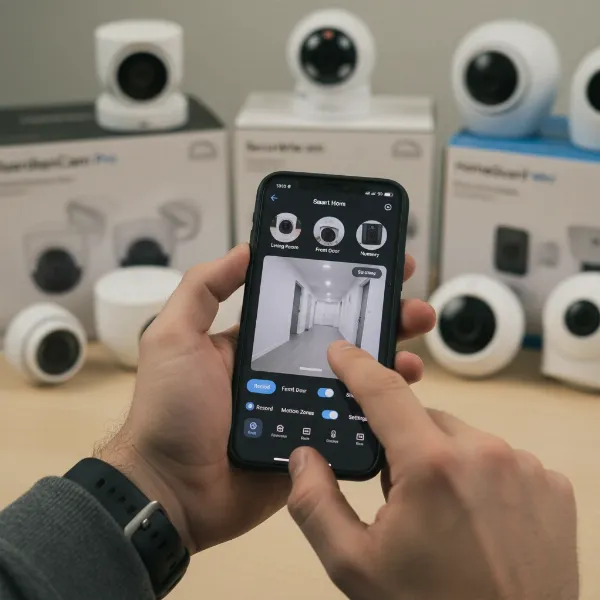
As the digital admin of ReviewByMo.com, a platform dedicated to home technology reviews, I understand the delicate balance between securing your home and safeguarding your personal privacy. With over a decade of hands-on experience evaluating hundreds of indoor security cameras, I’ve seen firsthand the concerns homeowners face—from selecting the right product to ensuring their personal space remains just that: personal. This guide is crafted to empower you with the knowledge to make an informed, privacy-conscious decision, much like a trusted friend advising you. The right indoor security camera can provide peace of mind without compromising your sanctuary.
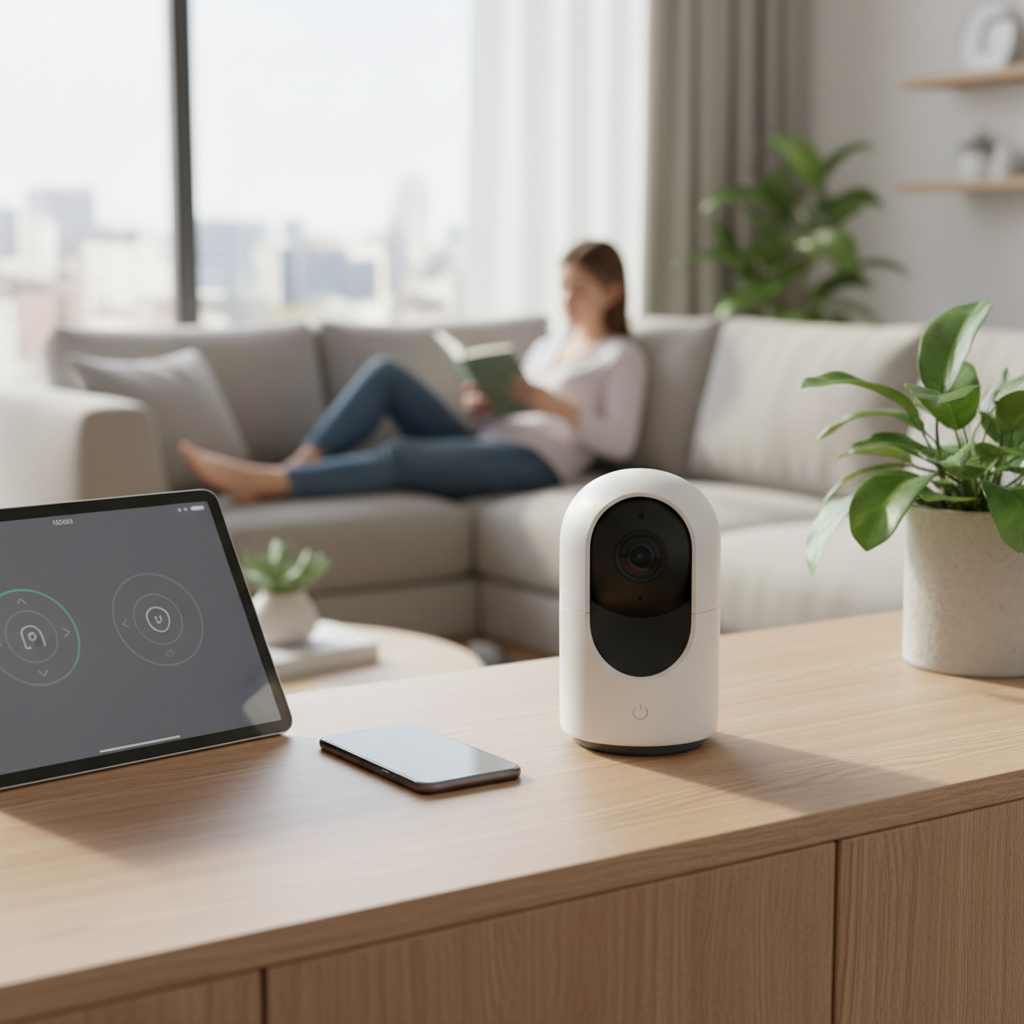
Understanding Indoor Security Cameras
An indoor security camera is a device designed to monitor the interior of your home, typically recording video and sometimes audio. Its primary purpose is to enhance safety by detecting unusual activity, deterring intruders, and providing evidence in case of an incident. These cameras have become vital tools for modern homeowners, allowing remote monitoring of children, elderly family members, or pets, even when you’re away. They offer an additional layer of protection, allowing you to check in on your property from anywhere through a smartphone or tablet.
Most modern indoor security cameras are IP (Internet Protocol) or Wi-Fi enabled, connecting to your home network to transmit footage. While older analog systems exist, the focus for privacy and advanced features largely lies with these connected smart cameras. Their applications range from general home surveillance to serving as dedicated pet cameras or nanny cams, offering reassurance and direct communication capabilities.
Essential Privacy Features in Indoor Security Cameras
When it comes to indoor surveillance, privacy is paramount. Fortunately, many modern cameras integrate specific features designed to give you control over when and what is being recorded.
Physical Privacy Shutters and Digital Privacy Modes
|
Our Picks for the Best Indoor security camera in 2026
As an Amazon Associate I earn from qualifying purchases.
|
||
| Num | Product | Action |
|---|---|---|
| 1 | Blink Mini 2K+ (newest model) – Plug-in Home & Pet Indoor Security Camera with 2K video resolution, night vision, enhanced audio, motion detection – 2 cameras (Black) |

|
| 2 | Cinnado Security Camera Indoor-2K 360° WiFi Cameras for Home Security,Pet/Dog/Baby Camera with Phone app, 2-Way Audio, Night Vision, 24/7 SD Card Storage, Works with Alexa & Google Home (2.4Ghz)-D1 |
|
| 3 | Tapo 2K Indoor Pan/Tilt Wired Security Camera - Works as a Baby Monitor & Pet Camera, Motion Detection, 2-Way Audio, Siren, Night Vision, No-Subscription Local Storage or Optional Cloud, C211 (2-Pack) |
|
| 4 | AOQEE 2K Cameras for Home Security-Outdoor/Indoor Camera for Dog/Cat/Pet/Nanny/Baby/Elderly, Color Night Vision, White Light, Siren, 24/7 SD Recordings, Works with Alexa, Plug in (C1-White-2pack-2.4G) |
|
| 5 | Blink Mini - Compact indoor plug-in smart security camera, 1080p HD video, night vision, motion detection, two-way audio, easy set up, Works with Alexa – 1 camera (White) |
|
| 6 | Tapo 1080P Indoor Wired Security Camera - Works as a Baby & Pet Monitor, Motion Detection, 2-Way Audio, Siren, Night Vision, Subscription-Free Local or Optional Cloud, Works with Alexa, C100(4-Pack) |
|
| 7 | Ring Indoor Cam, Home or business security in 1080p HD video, White |
|
| 8 | Ring Indoor Cam Plus (newest model), Home or business security, Retinal 2K for crisp, true-to-life video quality, 4x Enhanced Zoom, Low-Light Sight, White |
|
| 9 | GNCC 2K Security Cameras 4pcs, Home Security Camera Indoor with 360° Motion Detection for Pets/Baby/Dog, Two-Way Audio, Night Vision, 24/7 SD Card Storage, Cloud Storage, Compatible with Alexa |
|
| 10 | TP-Link Tapo 1080P Indoor Security Camera for Baby Monitor, Dog Camera w/Motion Detection, 2-Way Audio Siren, Night Vision, Cloud & SD Card Storage, Works w/Alexa & Google Home (Tapo C100) |
|
One of the most straightforward ways to ensure privacy is through physical lens covers or shutters. Some cameras offer manual covers that you can slide over the lens, completely blocking the camera’s view. Others feature automated privacy shields that can be controlled via a mobile app or integrated into home/away routines. For example, some cameras automatically rotate their lens downwards or physically cover it when you are detected to be home. Digital privacy modes work similarly, allowing you to disable recording or live view through the camera’s app, often coupled with a visual indicator that the camera is off. These features provide tangible reassurance that your camera isn’t actively monitoring when you don’t want it to.
Secure Data Handling: Encryption and Two-Factor Authentication
The security of your footage relies heavily on how data is handled. Robust encryption, such as AES-256, is crucial for turning your camera’s data into a secure code that is nearly impossible for unauthorized parties to decipher. End-to-end encryption offers the highest level of privacy, meaning only you can decrypt and view your footage. Beyond encryption, two-factor authentication (2FA) adds a critical layer of security to your camera accounts. This requires a second verification step, like a code sent to your phone, in addition to your password, making it significantly harder for hackers to gain access even if your password is compromised. Always prioritize cameras and services that offer strong encryption and mandatory 2FA.
[image-1|indoor-camera-privacy-features|Illustration of an indoor security camera with privacy features, showing a physical lens cover, a digital privacy mode icon, and symbols for encryption and two-factor authentication, set in a modern home living room.|
An illustrative image of a sleek, white indoor security camera with a transparent overlay showing a physical privacy shutter closing over the lens. Adjacent to the camera, a smartphone screen displays a “Privacy Mode Activated” message. Encrypted data symbols (padlocks, scrambled lines) emanate from the camera, and a two-factor authentication icon (phone with a code) is visible. The camera is positioned on a modern side table in a well-lit living room.]
Customizable Recording: Scheduling and Activity Zones
Modern indoor security cameras offer intelligent ways to customize their operation, further enhancing privacy. Recording schedules allow you to set specific times for your cameras to be active or inactive. For instance, you can program cameras to only record when you’re away from home, ensuring no footage is captured during family time. Activity zones or privacy masks enable you to define specific areas within the camera’s field of view that should be monitored or, conversely, blocked out entirely. This is particularly useful for avoiding recording sensitive areas within your home or inadvertently capturing a neighbor’s property through a window. These smart controls minimize unnecessary recording and focus surveillance only where it’s truly needed.
Local vs. Cloud Storage for Privacy
Storage options play a significant role in privacy. Cloud storage saves your video footage on remote, secure servers, offering redundancy and accessibility from anywhere. Reputable cloud providers typically employ advanced security measures, including encryption, to protect your data. However, it relies on trusting the provider’s security practices. Local storage, often via an SD card or a home base, keeps footage physically within your home. This can offer a greater sense of privacy as the data doesn’t leave your network, but it has limited capacity and is vulnerable to theft or damage if the camera is compromised. Some systems offer a hybrid approach, combining local storage for primary recordings with cloud backup for critical events, allowing you to balance privacy and convenience.
Key Technical Specifications for Secure Monitoring
Beyond explicit privacy features, several technical specifications are crucial for an indoor security camera to function effectively and securely. These attributes contribute to both the clarity of surveillance and the robustness of your overall security setup.
High Resolution and Advanced Night Vision
Clear footage is vital for identification and evidence. Opt for cameras with at least 1080p (Full HD) resolution; 2K or 4K cameras offer even sharper, more detailed images, which can be critical in security breaches. The quality of night vision is equally important. Look for cameras with high-quality infrared (IR) LEDs for clear black-and-white footage in complete darkness. Advanced models may offer color night vision, providing more detailed and contextual footage during low-light conditions. Without sufficient resolution and effective night vision, even the best privacy features won’t make your surveillance system truly effective.
Wide Field of View and Pan-Tilt-Zoom Capabilities
The camera’s field of view (FoV) determines how much area it can see. A wider FoV can cover more space with fewer cameras. Many indoor cameras offer pan-tilt-zoom (PTZ) functionality, allowing you to remotely adjust the camera’s angle horizontally (pan) and vertically (tilt), and zoom in on details. This versatility is excellent for monitoring larger spaces and dynamically adjusting your view as needed. For privacy, some PTZ cameras integrate privacy modes where the lens physically rotates to face a wall or rotates down into its base, ensuring no accidental recording when you’re home.
[image-2|camera-technical-specs-privacy|Infographic illustrating key indoor camera technical specifications like high resolution, night vision, and pan-tilt-zoom, with a subtle emphasis on how these contribute to secure, privacy-respecting monitoring within a home setting.|
An infographic-style image showcasing an indoor security camera in a home. Callouts highlight: “4K Resolution” with crisp visual detail, “Color Night Vision” showing a clear nighttime scene, and “Pan-Tilt-Zoom” with directional arrows indicating movement. The camera is discreetly placed on a bookshelf, emphasizing its integration into a private living space.]
Smart Motion and Sound Detection
Basic motion detection alerts you to any movement, but smart detection takes it further. AI-powered features can differentiate between people, pets, and vehicles, significantly reducing false alarms from a fan or a cat. Some cameras also offer sound detection, alerting you to unusual noises like breaking glass or a baby crying. When configured with customizable sensitivity and activity zones, these smart features ensure you only receive relevant alerts, preventing alert fatigue and maintaining a sense of control over your home’s monitoring. This intelligence is crucial for a security system that works effectively without being intrusive.
Two-Way Audio Communication
Two-way audio allows you to listen in on what’s happening and speak through the camera, acting as an intercom. This feature can be invaluable for checking in on family members, calming a pet, or even deterring an intruder with your voice. While useful, it also raises privacy considerations regarding audio recording laws (which vary by region). Always be aware of local regulations concerning audio recording and ensure transparency with household members and guests about its use. When enabled responsibly, two-way audio adds a powerful layer of interactive security.
Mitigating Risks: Cybersecurity and Placement Best Practices
Even with the most feature-rich camera, user practices and placement are critical to ensuring both security and privacy. Understanding potential risks and adopting best practices will safeguard your home and personal information.
Fortifying Your Network and Passwords
The first line of defense is your home network. Use strong, unique passwords for your Wi-Fi router and all camera accounts, and enable two-factor authentication wherever possible. Regularly update your router’s firmware and consider creating a separate IoT (Internet of Things) network for your smart devices, including cameras. This isolates them from your main network, limiting potential access points for hackers. Most camera “hacks” often stem from compromised login credentials from other sites, so practicing good password hygiene across all your online accounts is essential.
Strategic Camera Placement for Respecting Privacy
Thoughtful camera placement is paramount. Avoid installing indoor cameras in highly private areas like bedrooms, bathrooms, or changing areas. While your intention is security, these locations can feel intrusive and erode trust among household members or guests. Instead, focus cameras on common areas, entry points, or specific valuable items. When positioning cameras near windows, ensure they only capture your property and don’t inadvertently record your neighbors’ homes or public spaces, respecting their privacy as well.
Transparency and Communication Within Your Household
Open communication about the presence and use of indoor security cameras is crucial. Inform all household members and frequent guests about where cameras are located and when they are active. This transparency fosters trust and prevents feelings of being unknowingly monitored. For visitors, a simple, visible sign indicating that security cameras are in use can also help set expectations. By being upfront, you maintain a respectful environment while still benefiting from enhanced home security.
[image-3|secure-home-network-camera|A conceptual image of a secure home network, with a Wi-Fi router at the center, surrounded by connected devices including an indoor security camera. Emphasize strong passwords and network segmentation for privacy.|
A stylized illustration of a home Wi-Fi router emitting secure network signals, represented by shielded lines. An indoor security camera is shown connected to this secure network, with a padlock icon hovering over it. Other smart home devices are visible in the background, all connected to a separate “IoT Network” segment. The overall setting is a clean, modern home environment, suggesting advanced cybersecurity measures.]
Comparison Table: Privacy-Focused Indoor Security Cameras
| Feature | Arlo Essential Indoor | Ring Indoor Cam (2nd Gen) | Eufy Indoor Cam 2K Pan & Tilt | Abode Cam 2 (with HKSV) |
|---|---|---|---|---|
| Privacy Feature | Automated/Manual Shield | Manual Shutter | Privacy Mode (lens rotates) | HomeKit Secure Video, Geofencing, Auto Privacy |
| Storage | Cloud (subscription) | Cloud (subscription) | Local (SD Card) | iCloud+ (encrypted), Local |
| Encryption | AES-256 | End-to-End optional | AES-256 | End-to-End (HKSV) |
| Two-Factor Auth | Yes | Yes | Yes | Yes |
| Price Range | Mid-range | Low-mid range | Low-mid range | Mid-range |
Top Picks: Best Indoor Security Cameras for Privacy
Selecting the right indoor security camera means finding a balance between robust security features and strong privacy controls. Here are some top recommendations that prioritize your peace of mind.
Arlo Essential Indoor Camera: The Arlo Essential Indoor camera stands out with its integrated physical privacy shield. This shield can be set to automatically close when you’re home and open when you leave, or it can be manually controlled via the Arlo app. This provides a clear, physical indication that the camera is not recording. It offers 2K video resolution, color night vision, and two-way audio, making it a reliable choice for those who prioritize a tangible privacy mechanism.
[image-4|arlo-essential-indoor-camera|A clean product shot of the Arlo Essential Indoor Camera, highlighting its physical privacy shield in a partially closed position, set in a minimalistic home interior.|
A high-quality product photograph of the Arlo Essential Indoor Camera, showing its sleek white design. The camera’s distinctive physical privacy shield is partially closed over the lens, drawing attention to this key privacy feature. The camera is placed on a smooth, light-colored surface in a bright, modern living room with soft, diffused lighting.]
Ring Indoor Cam (2nd Gen): Ring’s Indoor Cam (2nd Gen) offers a manual privacy shutter that physically swivels over the camera lens. This simple yet effective design provides a straightforward way to disable video recording and offers peace of mind. It integrates seamlessly with the Amazon Alexa ecosystem, making it a great choice for existing Ring and Amazon smart home users. While some advanced features require a paid Ring Protect subscription, its privacy shutter and compact design make it a strong contender for basic, privacy-conscious indoor monitoring.
Eufy Indoor Cam 2K Pan & Tilt: The Eufy Indoor Cam 2K Pan & Tilt is a popular choice for its combination of features and value, particularly its commitment to local storage. It supports local recording via an SD card, meaning your footage stays within your home network, which many users prefer for privacy. Additionally, its “Privacy Mode” can be configured to rotate the lens to a discreet position (e.g., facing the ceiling or into its base) when you’re home. The 2K resolution, pan-tilt functionality, and AI-powered detection make it a versatile and privacy-friendly option without mandatory subscription fees.
Abode Cam 2 with HomeKit Secure Video: For users within the Apple ecosystem, the Abode Cam 2, especially when integrated with HomeKit Secure Video (HKSV), offers a gold standard for privacy. With HKSV, video processing for AI detection occurs locally on your Apple TV or HomePod, and recorded footage is end-to-end encrypted before being uploaded to your iCloud+, ensuring only you can view it. Abode also emphasizes no data selling, no ads, and optional cloud storage, giving users significant control over their data. Its geofencing automations can automatically arm/disarm and disable cameras based on your presence, making it an excellent choice for privacy-conscious Apple users.
Making Your Choice: A Buyer’s Guide Focused on Privacy
Navigating the market for indoor security cameras can be complex, but by prioritizing privacy, you can narrow down your options effectively.
Assess Your Specific Needs and Living Situation
Before diving into features, consider why you need an indoor camera and your living arrangements. Are you monitoring an empty home, pets, or children? Do you live alone, with family, or with roommates? Your needs will dictate the required level of surveillance and, consequently, the privacy features you’ll need. For instance, a camera in a common area for pet monitoring might require different privacy settings than one meant to occasionally check on an elderly relative’s activity. Understanding your environment is the first step to a privacy-aligned purchase.
Consider Your Budget and Subscription Costs
Camera prices vary widely, and many come with optional or mandatory subscription fees for cloud storage, advanced AI features, or extended warranties. Factor these ongoing costs into your budget. While a “free” cloud storage tier might seem appealing, always scrutinize what data is collected and how it’s used. Cameras that offer robust local storage options (like an SD card slot) or privacy-focused cloud services can be more cost-effective and privacy-centric in the long run.
Research Brand Reputation and Data Policies
Choose reputable brands with a strong track record for security and transparent data privacy policies. Investigate how they handle user data, if they sell data, and their history with data breaches. Companies that explicitly state they don’t monetize your video data or usage patterns are preferable. Review user comments and independent security audits if available. A trustworthy manufacturer is a foundational element of a private security setup.
Prioritize Cameras with Robust Security and Privacy Features
Finally, make a checklist of the privacy features discussed: physical shutters, digital privacy modes, end-to-end encryption, two-factor authentication, customizable recording schedules, activity zones, and secure local or cloud storage. Prioritize cameras that offer a combination of these. Don’t compromise on these essentials for a slightly cheaper price or an extra non-privacy-related feature. Your peace of mind is worth the investment in a truly private security solution.
Conclusion
Choosing an indoor security camera doesn’t have to mean sacrificing your privacy. By understanding the core features, technical specifications, and best practices, you can confidently select a device that enhances your home’s security while respecting your personal space. Prioritize physical and digital privacy controls, robust encryption, and transparent data handling from reputable brands. Strategic placement and open communication within your home further solidify a privacy-conscious approach. The goal is to feel secure, not scrutinized, in your own sanctuary.
What aspect of indoor camera privacy is most important to you?
Câu Hỏi Thường Gặp
Are indoor security cameras truly private?
Indoor security cameras can be private if you choose models with robust privacy features, implement strong cybersecurity practices, and use them responsibly. Features like physical shutters, strong encryption, and two-factor authentication significantly enhance privacy, but user diligence in setup and placement is also crucial.
What is a privacy shutter?
A privacy shutter is a physical cover, either manual or automated, that slides over the camera lens to block its view. This provides a tangible assurance that the camera is not recording or streaming video when you want complete privacy.
Can hackers access my indoor camera?
While no system is 100% immune, the risk of hackers accessing your indoor camera can be significantly minimized. Using strong, unique passwords, enabling two-factor authentication, keeping firmware updated, and having a secure Wi-Fi network are essential steps to protect against unauthorized access.
Should I put an indoor camera in my bedroom?
It is strongly advised against placing indoor cameras in private spaces like bedrooms or bathrooms. These areas have a high expectation of privacy, and cameras in such locations can erode trust and may even violate privacy laws, depending on your jurisdiction.
What’s the difference between local and cloud storage for privacy?
Local storage (e.g., SD card) keeps footage within your home, offering more direct control and potentially enhanced privacy as it doesn’t leave your network. Cloud storage saves footage on remote servers. While reputable cloud services use strong encryption, it requires trusting a third-party provider with your data.