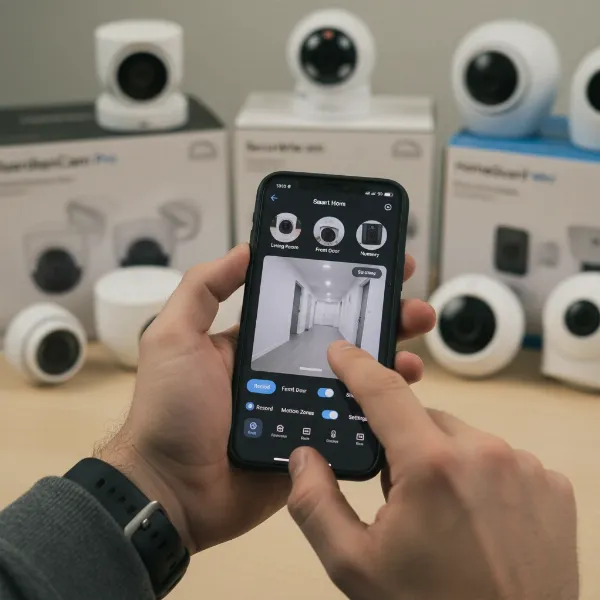
In today’s fast-paced world, working parents often face the daily juggle of career demands and family responsibilities, a balance that frequently brings a unique set of worries. Leaving children, pets, or even an empty home for extended periods can evoke a constant sense of unease, wondering if everything is alright. An indoor security camera offers a crucial solution, acting as your eyes and ears when you can’t be there, providing invaluable peace of mind. This comprehensive guide will navigate the complex landscape of indoor security cameras, detailing essential features, comparing top models, and helping you select the perfect device to monitor your home and loved ones, transforming anxiety into assurance.
Overview of Indoor Security Cameras
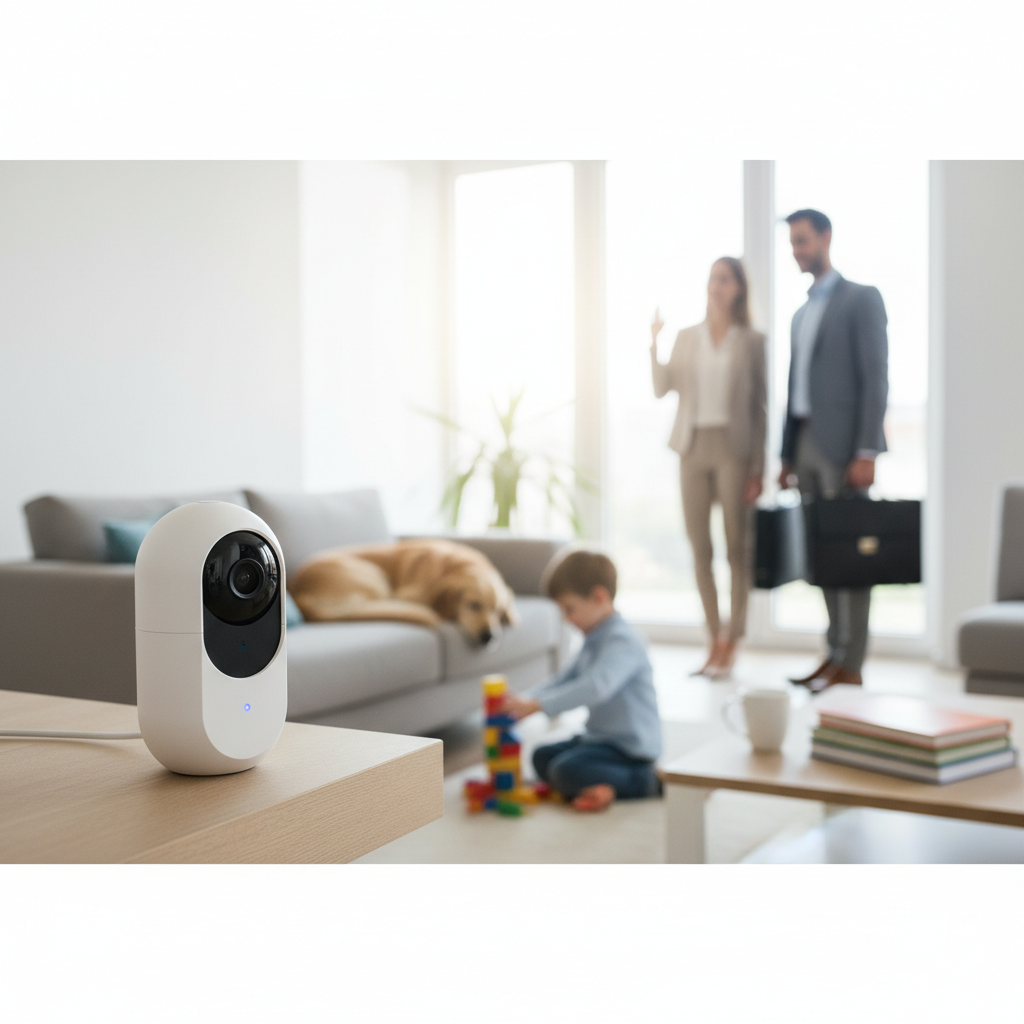
An indoor security camera is a device designed to monitor the interior of your home, typically connecting to your home Wi-Fi network and accessible remotely via a smartphone application. These cameras serve as more than just security deterrents; they are vital tools for modern households, offering a direct line of sight into your personal space no matter where you are.
For working parents, indoor security cameras are indispensable. They provide a reassuring way to check on children returning from school, observe nannies or caregivers, monitor elderly family members, or simply ensure pets are safe and sound. Their importance lies in their ability to bridge the distance, allowing parents to stay connected and informed about their home environment, alleviating worries and fostering a greater sense of control and safety.
The applications of indoor security cameras are extensive and varied. Common uses include baby monitoring, keeping an eye on mischievous pets, safeguarding against potential intruders by recording activity, and even capturing precious family moments you might otherwise miss. Many parents use them to remotely communicate with children or caregivers through two-way audio, offering reassurance or instruction from afar.
Types of Indoor Security Cameras
When choosing an indoor security camera, understanding the main types based on their power and movement capabilities can simplify your decision. The two primary distinctions are wired versus wireless cameras and fixed versus pan-tilt-zoom (PTZ) models.
Wired Cameras
Wired cameras draw power directly from an electrical outlet, providing a constant and reliable power source without the need for battery changes. Their stability makes them a favored choice for continuous 24/7 monitoring and recording.
- Advantages: Reliable power supply, often more stable connection, no battery concerns, can sometimes offer more robust features due to consistent power.
- Disadvantages: Limited placement options due to proximity to outlets, wires can be unsightly or a tripping hazard, more involved installation.
- Real-world Application: Ideal for permanent installations in high-traffic areas like a living room or a child’s bedroom where continuous monitoring is critical and an outlet is readily available.
|
Our Picks for the Best Indoor security camera in 2026
As an Amazon Associate I earn from qualifying purchases.
|
||
| Num | Product | Action |
|---|---|---|
| 1 | Ring Indoor Cam, Home or business security in 1080p HD video, White |

|
| 2 | GNCC 2K Security Cameras 4pcs, Home Security Camera Indoor with 360° Motion Detection for Pets/Baby/Dog, Two-Way Audio, Night Vision, 24/7 SD Card Storage, Cloud Storage, Compatible with Alexa |
|
| 3 | Cinnado Security Camera Indoor-2K 360° WiFi Cameras for Home Security,Pet/Dog/Baby Camera with Phone app, 2-Way Audio, Night Vision, 24/7 SD Card Storage, Works with Alexa & Google Home (2.4Ghz)-D1 |
|
| 4 | TP-Link Tapo 1080P Indoor Security Camera for Baby Monitor, Dog Camera w/Motion Detection, 2-Way Audio Siren, Night Vision, Cloud & SD Card Storage, Works w/Alexa & Google Home (Tapo C100) |
|
| 5 | AOQEE 2K Cameras for Home Security-Outdoor/Indoor Camera for Dog/Cat/Pet/Nanny/Baby/Elderly, Color Night Vision, White Light, Siren, 24/7 SD Recordings, Works with Alexa, Plug in (C1-White-2pack-2.4G) |
|
| 6 | Tapo 1080P Indoor Wired Security Camera - Works as a Baby & Pet Monitor, Motion Detection, 2-Way Audio, Siren, Night Vision, Subscription-Free Local or Optional Cloud, Works with Alexa, C100(4-Pack) |
|
| 7 | Blink Mini 2K+ (newest model) – Plug-in Home & Pet Indoor Security Camera with 2K video resolution, night vision, enhanced audio, motion detection – 2 cameras (Black) |
|
| 8 | Tapo 2K Indoor Pan/Tilt Wired Security Camera - Works as a Baby Monitor & Pet Camera, Motion Detection, 2-Way Audio, Siren, Night Vision, No-Subscription Local Storage or Optional Cloud, C211 (2-Pack) |
|
| 9 | Blink Mini - Compact indoor plug-in smart security camera, 1080p HD video, night vision, motion detection, two-way audio, easy set up, Works with Alexa – 1 camera (White) |
|
| 10 | Ring Indoor Cam Plus (newest model), Home or business security, Retinal 2K for crisp, true-to-life video quality, 4x Enhanced Zoom, Low-Light Sight, White |
|
Wireless (Battery-Powered) Cameras
Wireless cameras operate on battery power, offering immense flexibility in placement since they don’t require an immediate power outlet. They typically connect to your home’s Wi-Fi network for data transmission.
- Advantages: Easy installation, flexible placement anywhere within Wi-Fi range, no visible wires for a cleaner look.
- Disadvantages: Batteries need regular recharging or replacement, which can be inconvenient; potential for signal interference or dropped connections; may not offer 24/7 continuous recording to conserve battery life.
- Real-world Application: Excellent for temporary monitoring needs, areas without easily accessible power, or situations where discreet placement is a priority, such as monitoring a hallway or a specific play area.
Fixed Cameras
Fixed cameras offer a stationary field of view, meaning they capture video from one set angle. Once positioned, their perspective remains unchanged.
- Advantages: Simpler design, often more affordable, less prone to mechanical failure, reliable for monitoring a specific, well-defined area.
- Disadvantages: Limited coverage area, potential for blind spots, cannot adjust view remotely.
- Real-world Application: Perfect for doorways, windows, or smaller rooms where a single, wide-angle shot is sufficient to cover the entire space, like a nursery or a small office.
PTZ (Pan-Tilt-Zoom) Cameras
PTZ cameras allow users to remotely control the camera’s lens to pan (move horizontally), tilt (move vertically), and zoom in or out, providing a dynamic and expansive view of a room.
- Advantages: Comprehensive room coverage from a single camera, ability to follow movement, zoom in on details, fewer cameras needed for large spaces.
- Disadvantages: Often more expensive, can have mechanical noise, may have a slight delay in remote control, some advanced features might require a subscription.
- Real-world Application: Highly beneficial for monitoring large living areas, playrooms, or if you want to track a moving child or pet across a wider expanse without needing multiple cameras.
Important Features of Indoor Security Cameras
Choosing the right indoor security camera hinges on a careful evaluation of its features, especially for working parents who need reliability, clarity, and convenience. Each function contributes to the camera’s overall effectiveness in safeguarding your home and family.
Resolution and Image Quality
The clarity of your camera’s video feed is paramount, as it directly impacts your ability to identify faces, objects, and details. Most modern indoor security cameras offer at least 1080p Full HD resolution, which is generally sufficient for clear identification. However, for even sharper footage, especially when digitally zooming in, 2K or even 4K resolution models are available, though they often come at a higher price point. High resolution ensures that you can confidently see what’s happening, whether it’s recognizing a delivery person or confirming your child’s wellbeing.
Field of View and Pan-Tilt-Zoom (PTZ) Capabilities
The field of view (FoV) dictates how much area the camera can capture. A wider-angle lens (e.g., 120-180 degrees) is ideal for monitoring larger spaces like living rooms, minimizing the need for multiple cameras. For expansive coverage and the ability to track movement, pan-tilt-zoom (PTZ) functionality is invaluable. PTZ cameras allow you to remotely adjust the camera’s horizontal (pan) and vertical (tilt) angles and zoom in on specific areas, ensuring no blind spots and providing comprehensive oversight of a room.
Night Vision
Since many incidents, or simply checking on sleeping children, occur in low light or complete darkness, robust night vision is a critical feature. Most cameras employ infrared (IR) LEDs to provide clear black-and-white footage in the dark. Some advanced models offer color night vision, which can provide more detail, though it typically requires some ambient light. Reliable night vision ensures 24/7 monitoring capabilities, offering peace of mind even after the lights go out.
Motion and Sound Detection
Motion detection triggers the camera to record only when movement is detected, saving storage space and helping you focus on relevant events. Advanced models often include customizable motion zones to reduce false alerts from pets or environmental factors. Many cameras also offer sound detection, alerting you to abnormal noises like crying babies or barking dogs, which is especially useful for parents. AI-powered detection can further differentiate between people, pets, and general motion, significantly minimizing unnecessary notifications.
Data Storage (Local and Cloud)
How your video footage is stored is a key consideration. Local storage, typically via a microSD card, offers privacy and avoids monthly subscription fees, ensuring recordings are kept within your home. Cloud storage, on the other hand, uploads footage to secure servers, providing remote access from anywhere and protection against camera theft. Many cameras offer a combination, with some providing limited free cloud storage (e.g., 6 hours) and options for expanded storage through a subscription.
Two-Way Audio
Two-way audio allows you to both hear what’s happening in the room and speak through the camera’s built-in speaker. This feature is incredibly useful for communicating with children, comforting a pet, or even deterring an unexpected visitor. A clear microphone and speaker are essential for effective communication.
Connectivity and Remote Control
Most indoor security cameras connect to your home Wi-Fi network, allowing you to view live feeds, access recordings, and control camera settings from your smartphone or tablet via a dedicated app. Compatibility with smart home ecosystems like Amazon Alexa, Google Assistant, or Apple HomeKit can offer additional convenience, enabling voice control and integration with other smart devices. Remote access is fundamental for working parents, ensuring they can check in on their home from anywhere with an internet connection.
“For busy parents, the most impactful features are clear two-way audio and intelligent motion alerts. Being able to calmly speak to your child through the camera or receive an alert that differentiates a pet from a person can drastically reduce anxiety throughout the workday.” – Sarah Miller, Home Security Expert
Comparison Table of Popular Indoor Security Camera Models
Choosing from the myriad of indoor security cameras can be daunting. Here’s a comparison of some popular models often recommended for their blend of features, performance, and suitability for working parents.
| Feature | Arlo Essential Pan/Tilt Indoor Cam (2nd Gen) | Eufy Indoor Cam 2K Pan & Tilt (P24) | Google Nest Cam (Indoor, Wired) | TP-Link Tapo C210 |
|---|---|---|---|---|
| Resolution | 2K | 2K | 1080p | 2K |
| Field of View | 130° (fixed) + 360° pan/tilt | 125° (fixed) + 360° pan/tilt | 130° | 114° + 360° pan/tilt |
| Night Vision | Infrared (B&W) | Infrared (B&W) | Color Night Vision | Infrared (B&W) |
| Motion Detection | AI (People, Animals, Packages) | AI (People, Pets, Crying) | AI (People, Animals, General) | Motion & Sound |
| Storage | Cloud (subscription) | Local (microSD) & Cloud (optional) | Cloud (6 hrs free, subscription) | Local (microSD) & Cloud (optional) |
| Two-Way Audio | Yes | Yes | Yes | Yes |
| Privacy Shield | Physical | No (privacy mode in app) | No (privacy mode in app) | No (privacy mode in app) |
| Smart Integration | Alexa, Google Assistant | Alexa, Google Assistant, HomeKit | Google Assistant, Alexa | Alexa, Google Assistant |
| Power | Wired | Wired | Wired | Wired |
| Approx. Price | $99 – $129 | $40 – $55 | $99 – $129 | $25 – $35 |
Indoor Security Camera Buying Guide
Selecting the ideal indoor security camera requires a thoughtful approach tailored to your unique household dynamics. By considering several key factors, you can make an informed decision that brings true peace of mind.
Determine Your Usage Needs
Start by clearly defining what you need the camera for. Are you monitoring a baby in a nursery, keeping an eye on pets, supervising older children, or mainly looking for general security? Your primary use case will guide the necessary features. For example, baby monitoring might prioritize clear night vision and crying detection, while pet owners might value two-way audio for interaction. If you have a large, active household, pan-tilt-zoom capabilities could be essential for comprehensive coverage.
Set a Budget
Indoor security cameras range widely in price, from budget-friendly options under $50 to premium models costing over $150. Beyond the initial purchase price, consider potential ongoing costs such as cloud storage subscriptions, which can add up over time. Some cameras offer robust features with free local storage or a limited free cloud tier, presenting better long-term value.
Research Reputable Brands
Stick with well-known and trusted brands that have a track record of reliability, good customer support, and strong security practices. Brands like Arlo, Eufy, Google Nest, Ring, and TP-Link Tapo are frequently recommended and reviewed, offering a baseline of quality and privacy commitment. Less reputable brands might offer cheaper alternatives but could compromise on video quality, app functionality, or data security.
Understand Technical Specifications
Don’t shy away from the specs. Pay close attention to:
- Resolution: Aim for at least 1080p, but 2K offers better detail for zooming.
- Field of View (FoV): Wider angles (120°+) are better for larger rooms.
- Night Vision Range: Ensure it covers the distance you need for your space.
- Storage Options: Decide if local (microSD), cloud, or a hybrid solution best fits your privacy and access needs.
- Connectivity: Confirm compatibility with your home Wi-Fi (2.4GHz is common, some support 5GHz).
Read User Reviews
Always read reviews from other users, especially those with similar needs to yours. User feedback can highlight real-world performance, common issues, ease of setup, app usability, and customer service experiences that official product descriptions might not cover. Look for consistent feedback regarding video quality, notification accuracy, and overall satisfaction.
Check Warranty and Support
A good warranty and accessible customer support are crucial for any electronic device. Understand the manufacturer’s warranty period and their policy for technical assistance or replacements. Knowing that you have support available if issues arise can save you significant frustration down the line.
Prioritize Privacy Features
For indoor cameras, privacy is paramount. Look for cameras with physical privacy shutters that physically block the lens when you’re home or don’t want to be recorded. Many cameras also offer privacy zones within the app, allowing you to exclude specific areas from recording. Robust encryption for data transmission and storage is also essential to protect your footage from unauthorized access.
Top Picks – Best Indoor Security Camera Models
Finding the perfect indoor security camera can feel like searching for a needle in a haystack, especially for working parents with specific needs. We’ve narrowed down the field to a few top contenders that excel in features, reliability, and value.
Arlo Essential Pan/Tilt Indoor Camera (2nd Generation)
The Arlo Essential Pan/Tilt Indoor Camera (2nd Gen) is a standout choice for parents seeking comprehensive monitoring and advanced smart features. It records in crisp 2K resolution, ensuring clear, detailed footage of your home. Its key selling point is the mechanical pan-and-tilt functionality, which provides a full 360-degree view, allowing you to scan an entire room remotely. The camera also boasts AI-powered intelligent alerts that can distinguish between people, animals, and even packages, significantly reducing false alarms. A thoughtful physical privacy shield offers reassurance by physically covering the lens when the camera is disarmed. Two-way audio and strong smart home integration with Alexa and Google Assistant further enhance its utility. However, accessing its more advanced AI detection and cloud storage features typically requires a paid Arlo Secure subscription.
- Pros: Sharp 2K video with pan/tilt for full room coverage, intelligent AI alerts, physical privacy shield, two-way audio, seamless smart home integration.
- Cons: Many advanced features are locked behind a monthly subscription.
- Best for: Parents who desire extensive monitoring capabilities, advanced AI detection, and a physical privacy option, and are comfortable with a potential subscription for premium features.
Eufy Indoor Cam 2K Pan & Tilt (P24 / E220)
The Eufy Indoor Cam 2K Pan & Tilt (E220) consistently ranks high for its exceptional value and feature-rich design, making it an excellent option for working parents on a budget. This camera captures vivid 2K high-resolution video and offers impressive pan-and-tilt capabilities with AI tracking, allowing it to automatically follow detected movement across the room. Unlike many competitors, Eufy provides extensive local storage options via a microSD card, meaning you can often avoid recurring subscription fees for core functionality. It also includes useful features like crying detection, which is invaluable for baby monitoring, and integrates well with Amazon Alexa, Google Assistant, and Apple HomeKit. While it lacks a physical privacy shutter, it does offer in-app privacy zones and a sleep mode.
- Pros: Affordable price point, sharp 2K video with AI-powered pan/tilt and tracking, local storage support (microSD) to avoid subscriptions, crying detection, broad smart home compatibility.
- Cons: Lacks a physical privacy shutter, design might not appeal to all.
- Best for: Budget-conscious parents who want high-resolution video, pan-and-tilt functionality, and advanced detection features without being tied to a monthly subscription.
Google Nest Cam (Indoor, Wired, 3rd Generation)
The Google Nest Cam (Indoor, Wired) is a premium offering known for its intelligent AI-driven alerts and seamless integration within the Google ecosystem. It delivers clear 1080p HD video and excels at differentiating between people, animals, and general motion, significantly reducing irrelevant notifications. A notable advantage for busy parents is the provision of 6 hours of free cloud video history, allowing you to review recent activity without a subscription. The camera also features excellent color night vision, providing a clearer view in low-light conditions than standard infrared. Two-way audio is robust, and its smart home integration with Google Assistant is top-tier. As a wired-only camera, it requires placement near an electrical outlet, which can limit flexibility compared to battery-powered alternatives, and full features require a Nest Aware subscription.
- Pros: Highly intelligent AI detection (people, animals), 6 hours of free cloud history, clear color night vision, excellent two-way audio, tight integration with Google Assistant.
- Cons: Wired-only setup limits placement, full feature set requires a subscription.
- Best for: Parents deeply integrated into the Google smart home ecosystem, who prioritize intelligent alerts and a reliable, always-on wired connection, and appreciate some free cloud history.
Conclusion
Choosing the best indoor security camera is a significant decision for working parents, offering a crucial blend of peace of mind and practical monitoring. We’ve explored how these devices provide essential vigilance over children, pets, and your home, covering everything from fundamental features like high-resolution video and night vision to advanced capabilities like AI-powered motion detection and two-way audio. Ultimately, the ideal camera strikes a balance between your specific needs, budget, and desired level of privacy. By carefully evaluating options like the Arlo Essential Pan/Tilt for its comprehensive coverage, the Eufy Indoor Cam 2K for its value, or the Google Nest Cam for its intelligent alerts, you can find a reliable sentinel for your household.
Ready to transform your home monitoring? Consider your priorities, explore the top picks, and invest in the peace of mind that comes with knowing your loved ones are safe. Which feature is most critical for your family’s unique needs?
Frequently Asked Questions
How important is a physical privacy shutter on an indoor camera?
A physical privacy shutter offers the highest level of reassurance by mechanically blocking the camera lens, preventing any video capture when you desire absolute privacy. While software privacy modes can disable recording, a physical shutter provides undeniable proof that the camera cannot “see” inside your home. It’s particularly important for cameras placed in private areas like bedrooms or offices.
Do I need a subscription for an indoor security camera?
Many indoor security cameras offer basic features like live viewing and motion alerts without a subscription. However, advanced functionalities such as extended cloud storage, AI-powered object detection (differentiating people from pets), activity summaries, and rich notifications often require a paid monthly or annual subscription. Check the product specifications carefully to understand what features are free and what costs extra.
Can indoor security cameras also monitor pets?
Yes, many indoor security cameras are excellent for pet monitoring. Features like two-way audio allow you to speak to and comfort your pets, while motion and sound detection can alert you to their activity, barking, or meowing. Some advanced cameras even offer specific AI detection for animals or interactive features like treat dispensers, making them ideal for pet parents.
Is a wired or wireless camera better for a busy household?
Both wired and wireless cameras have merits for a busy household. Wired cameras offer consistent power and connection stability, ideal for continuous monitoring in fixed locations. Wireless (battery-powered) cameras provide flexibility in placement and are easier to install, though you’ll need to remember to recharge batteries. The “better” choice depends on your specific placement needs, desired uptime, and willingness to manage battery life.
How many indoor security cameras do I need?
The number of cameras needed depends on the size of your home and the areas you wish to monitor. For a small apartment, one well-placed pan-tilt-zoom (PTZ) camera might suffice. For a larger home, you might consider multiple fixed cameras for specific entry points or high-traffic areas, combined with a PTZ camera for a main living space, ensuring comprehensive coverage without blind spots.