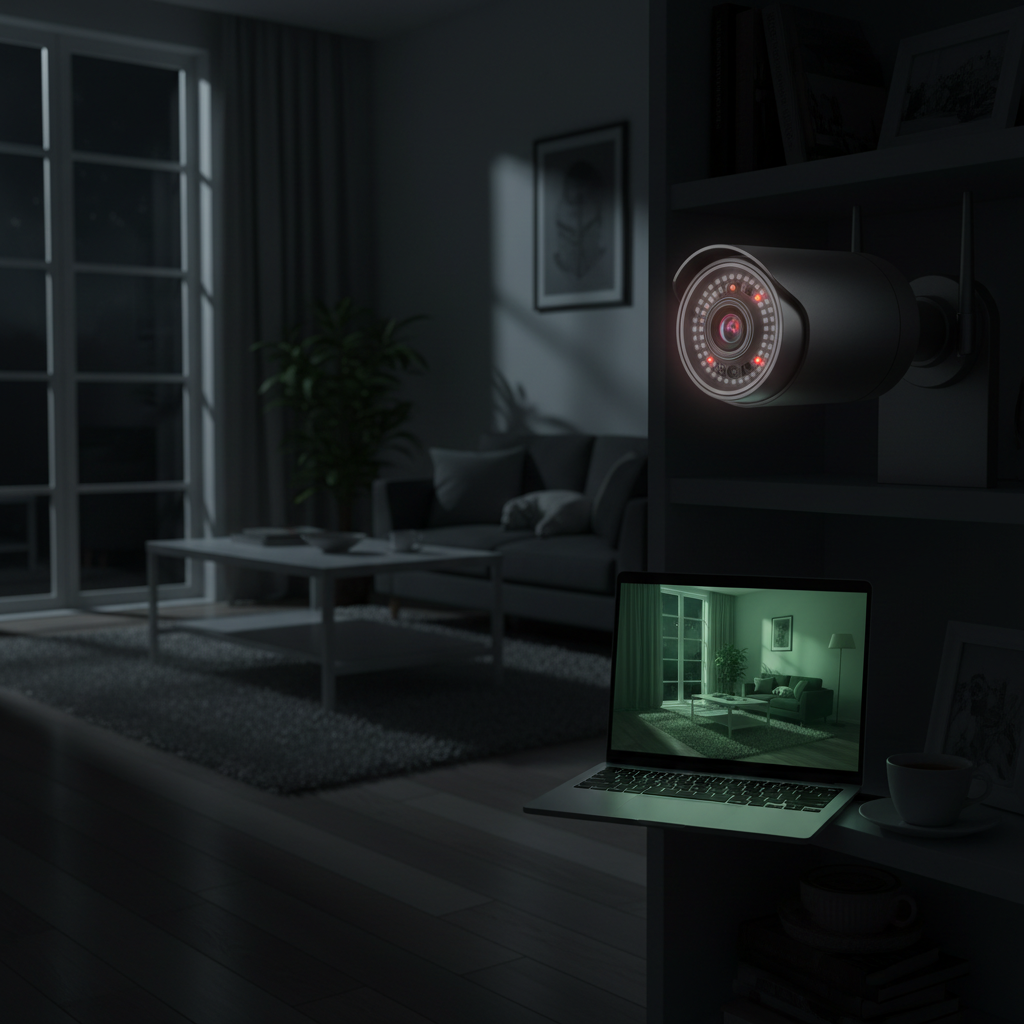
Ensuring the safety and peace of mind within your home has never been more crucial. With burglaries and unexpected incidents on the rise, a robust indoor security camera system is no longer a luxury but an essential component of a modern smart home. Whether you’re a busy parent wanting to check on your children, a pet owner keeping an eye on your furry friends, or simply seeking to deter potential intruders, selecting the best indoor security camera can feel overwhelming amidst a sea of options. This comprehensive guide will navigate you through the latest technology, essential features, and top recommendations to help you make an informed decision, securing your smart home effectively and effortlessly.
Overview of Indoor Security Cameras
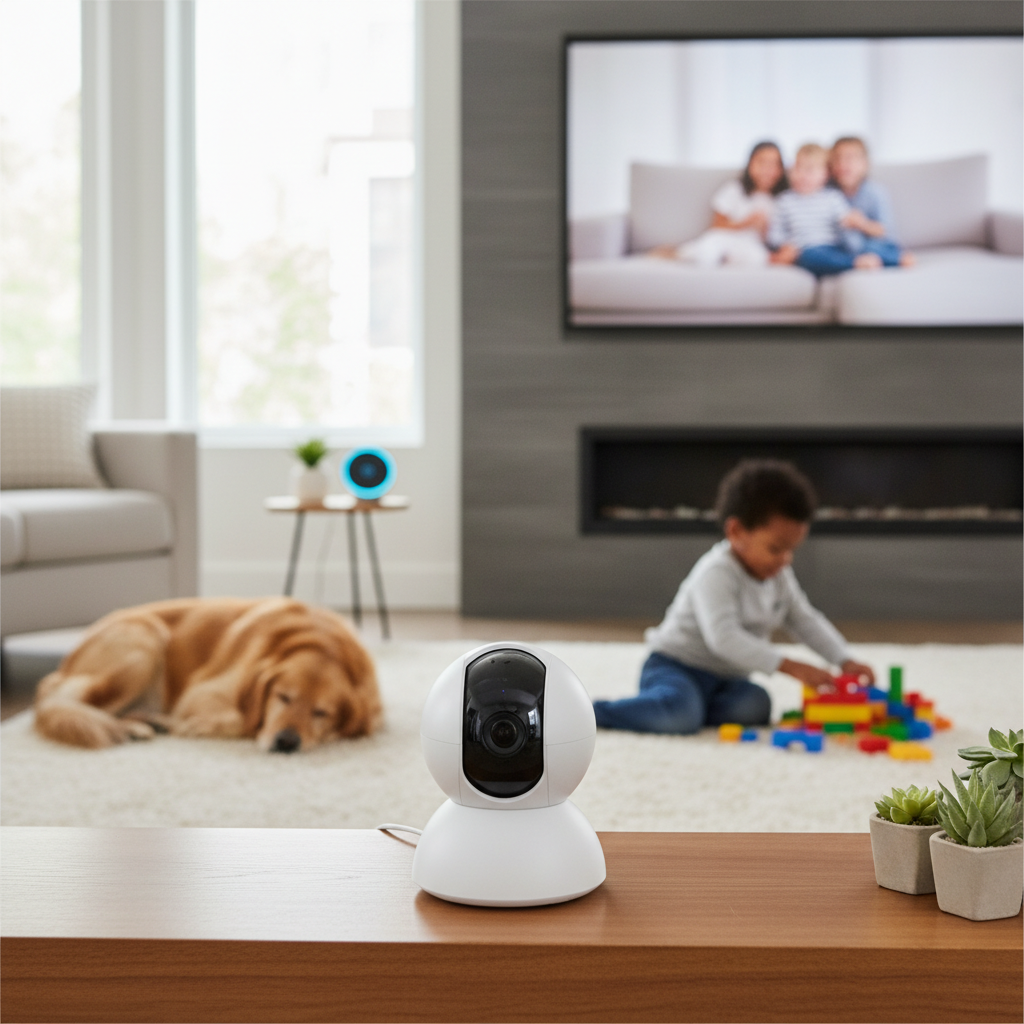
An indoor security camera is a digital device designed to monitor the interior spaces of your home, providing real-time video surveillance and often audio capabilities. These cameras are integral to a complete home security system, offering visibility and control over your property, even when you’re thousands of miles away. Beyond deterring potential intruders, indoor cameras serve numerous practical applications, enhancing daily life and providing invaluable peace of mind.
Indoor security cameras are vital for a variety of reasons. They act as a deterrent to unwelcome visitors, as visible cameras can make a home a less appealing target. For families, they offer a way to check in on children, especially when they are home alone or with a babysitter. Pet owners find them indispensable for monitoring their animals’ well-being and behavior throughout the day. Furthermore, in the unfortunate event of an incident, recorded footage can provide crucial evidence for investigations or insurance claims. These devices integrate seamlessly into smart home ecosystems, allowing homeowners to stay connected and in control through intelligent alerts and mobile access.
The applications of indoor security cameras are diverse. They can be strategically placed to monitor main entry points like front doors and hallways, critical living spaces, or even areas containing valuables. Many cameras offer two-way audio, transforming them into interactive tools for communicating with family members, delivery personnel, or even deterring an unexpected guest. Some advanced models include AI-powered features for person and pet detection, reducing false alarms and ensuring you’re alerted only to relevant activities.
Types of Popular Indoor Security Cameras
Indoor security cameras come in various forms, each offering distinct advantages and suitable for different needs. Understanding these types is key to selecting the right one for your home.
IP Camera
IP (Internet Protocol) cameras are digital video cameras that transmit data over an IP network. This means they connect to your home Wi-Fi network and can be accessed remotely via an app or web browser. They are the most common type of indoor security camera in smart homes due to their advanced features and flexibility.
- Advantages:
- High Resolution: Often offer 1080p, 2K, or even 4K resolution, providing crystal-clear video.
- Remote Access: View live feeds and recorded footage from anywhere via your smartphone or tablet.
- Advanced Features: Support smart capabilities like AI-powered motion detection, facial recognition, and integration with other smart home devices.
- Scalability: Easy to add more cameras to your network as needed.
- Disadvantages:
- Internet Reliance: Requires a stable Wi-Fi connection for optimal performance.
- Bandwidth Usage: High-resolution video streaming can consume significant internet bandwidth.
- Security Concerns: Vulnerable to cyber threats if not properly secured with strong passwords and encryption.
- Practical Applications: Ideal for general home surveillance, monitoring specific rooms, or integrating into a broader smart home ecosystem.
|
Our Picks for the Best Indoor security camera in 2026
As an Amazon Associate I earn from qualifying purchases.
|
||
| Num | Product | Action |
|---|---|---|
| 1 | Blink Mini 2K+ (newest model) – Plug-in Home & Pet Indoor Security Camera with 2K video resolution, night vision, enhanced audio, motion detection – 2 cameras (Black) |

|
| 2 | TP-Link Tapo 1080P Indoor Security Camera for Baby Monitor, Dog Camera w/Motion Detection, 2-Way Audio Siren, Night Vision, Cloud & SD Card Storage, Works w/Alexa & Google Home (Tapo C100) |
|
| 3 | Tapo 1080P Indoor Wired Security Camera - Works as a Baby & Pet Monitor, Motion Detection, 2-Way Audio, Siren, Night Vision, Subscription-Free Local or Optional Cloud, Works with Alexa, C100(4-Pack) |
|
| 4 | Ring Indoor Cam Plus (newest model), Home or business security, Retinal 2K for crisp, true-to-life video quality, 4x Enhanced Zoom, Low-Light Sight, White |
|
| 5 | Tapo 2K Indoor Pan/Tilt Wired Security Camera - Works as a Baby Monitor & Pet Camera, Motion Detection, 2-Way Audio, Siren, Night Vision, No-Subscription Local Storage or Optional Cloud, C211 (2-Pack) |
|
| 6 | GNCC 2K Security Cameras 4pcs, Home Security Camera Indoor with 360° Motion Detection for Pets/Baby/Dog, Two-Way Audio, Night Vision, 24/7 SD Card Storage, Cloud Storage, Compatible with Alexa |
|
| 7 | Cinnado Security Camera Indoor-2K 360° WiFi Cameras for Home Security,Pet/Dog/Baby Camera with Phone app, 2-Way Audio, Night Vision, 24/7 SD Card Storage, Works with Alexa & Google Home (2.4Ghz)-D1 |
|
| 8 | Ring Indoor Cam, Home or business security in 1080p HD video, White |
|
| 9 | AOQEE 2K Cameras for Home Security-Outdoor/Indoor Camera for Dog/Cat/Pet/Nanny/Baby/Elderly, Color Night Vision, White Light, Siren, 24/7 SD Recordings, Works with Alexa, Plug in (C1-White-2pack-2.4G) |
|
| 10 | Blink Mini - Compact indoor plug-in smart security camera, 1080p HD video, night vision, motion detection, two-way audio, easy set up, Works with Alexa – 1 camera (White) |
|
Camera Analog
Analog cameras, once prevalent, transmit video signals over coaxial cables to a digital video recorder (DVR). While they still exist, they are largely outdated for modern smart home setups due to limitations in image quality and smart features. Most contemporary indoor security solutions leverage IP technology.
- Advantages:
- Simpler Technology: Less complex setup for basic monitoring.
- Lower Initial Cost: Generally cheaper than IP cameras.
- Disadvantages:
- Lower Resolution: Typically limited to lower resolutions compared to IP cameras.
- No Remote Access (directly): Requires a DVR setup for remote viewing.
- Limited Smart Features: Lack advanced AI, two-way audio, and seamless smart home integration.
- Practical Applications: Best suited for very basic, localized surveillance without smart features or remote access requirements.
Camera PTZ (Pan-Tilt-Zoom)
PTZ cameras offer mechanical control over their lens, allowing users to remotely pan (move horizontally), tilt (move vertically), and zoom in or out. This functionality provides extensive coverage from a single camera, making them highly versatile for monitoring large indoor spaces.
- Advantages:
- Wide Coverage: A single PTZ camera can monitor a much larger area than a fixed-lens camera.
- Remote Control: Adjust the camera’s view from your smartphone, even when you’re away.
- Motion Tracking: Many PTZ cameras can automatically track moving objects or individuals.
- Disadvantages:
- Higher Cost: Generally more expensive due to the mechanical components.
- Blind Spots During Movement: While panning/tilting, the camera might temporarily miss events outside its immediate view.
- Potential Noise: Mechanical movements can sometimes produce subtle noise.
- Practical Applications: Excellent for monitoring large living rooms, open-plan areas, or checking multiple points of interest in a single room.
Camera WiFi
WiFi cameras are a subcategory of IP cameras that connect to your home’s wireless internet network. They are popular for their ease of installation and flexible placement, as they don’t require Ethernet cabling. Many can be battery-powered, offering true wire-free placement.
- Advantages:
- Easy Installation: No complicated wiring required, making them ideal for DIY setups.
- Flexible Placement: Can be placed almost anywhere within Wi-Fi range.
- Mobile Control: Full remote access and control via smartphone apps.
- Disadvantages:
- Battery Dependency (for wire-free models): Battery-powered cameras require periodic recharging.
- Wi-Fi Signal Strength: Performance can be affected by weak or unstable Wi-Fi signals.
- Data Vulnerability: Like all internet-connected devices, they require strong security protocols.
- Practical Applications: Perfect for renters, temporary setups, or homeowners who prefer minimal installation hassle and flexible camera relocation.
[image-1|smart-home-security-camera-setup|A modern smart home living room with a discreet indoor security camera placed on a shelf, showing a wide field of view.|
A stylish, contemporary living room with a small, unobtrusive indoor security camera on a bookshelf. The camera subtly blends into the decor. The scene depicts a wide-angle view of the room, clean, soft lighting, and a realistic photographic style.]
Important Features of Indoor Security Cameras
When selecting an indoor security camera, a myriad of features can enhance its effectiveness and your overall experience. Prioritizing these features based on your specific needs is essential.
Resolution and Image Quality
The clarity of your camera’s footage is paramount. Higher resolution means sharper images and more discernible details, which can be crucial for identifying faces or specific events.
- 1080p (Full HD): A good standard, offering clear video for general monitoring.
- 2K (Quad HD): Provides even sharper details, allowing for better digital zoom without significant pixelation. Many top indoor cameras now offer 2K resolution.
- 4K (Ultra HD): Offers the highest level of detail, though it requires more storage and bandwidth. While more common in outdoor cameras, some premium indoor models are emerging.
Field of View and Rotation
The field of view (FoV) determines how much area a camera can capture. A wider FoV means fewer blind spots.
- Wide-angle lenses: Typically offer 130° or more, allowing a single camera to cover a whole room.
- Pan-Tilt-Zoom (PTZ): Allows you to remotely adjust the camera’s horizontal (pan) and vertical (tilt) angles, as well as zoom in, providing comprehensive coverage from one device. This is particularly useful for monitoring large or multi-angled spaces.
Night Vision
Many security incidents occur in low light. Effective night vision ensures your camera remains vigilant 24/7.
- Infrared (IR) Night Vision: The most common type, providing clear black-and-white footage in complete darkness.
- Color Night Vision: Some advanced cameras can capture color video in very low light conditions, offering more context and detail than traditional IR. This feature is increasingly becoming a must-have.
Motion Detection
Basic motion detection triggers recordings or alerts when movement is sensed. However, modern cameras offer more intelligent detection.
- AI-powered Person/Pet Detection: This advanced feature differentiates between human activity, pets, or inanimate objects (like swaying curtains), significantly reducing false alarms.
- Motion Tracking: Some PTZ cameras can automatically follow a detected subject as it moves across the room.
- Activity Zones: Allows you to define specific areas within the camera’s view where motion detection should be active, minimizing irrelevant notifications.
Data Storage (Memory Card, Cloud)
Where your video footage is stored is a critical consideration for accessibility and security.
- Local Storage (microSD card): Footage is saved directly to a memory card inserted into the camera. This offers privacy and no recurring fees but is vulnerable to physical damage or theft of the camera.
- Cloud Storage: Video is uploaded to a secure online server. This provides off-site backup, protecting recordings even if the camera is stolen, and allows remote access. Often requires a subscription fee.
- Hybrid Storage: The best of both worlds, offering continuous recording locally while uploading key events or a backup to the cloud. This provides resilience and redundancy.
Two-Way Audio
This feature enables you to not only hear what’s happening but also speak through the camera using its built-in speaker and microphone. It’s useful for greeting family members, instructing a delivery person, or warning off an intruder.
Connectivity and Remote Control
Most indoor security cameras connect via Wi-Fi, allowing seamless integration with your smart home ecosystem and mobile control.
- Smart Home Compatibility: Look for cameras that integrate with platforms like Amazon Alexa, Google Assistant, or Apple HomeKit for voice control and automation routines.
- Mobile App Control: A dedicated, intuitive smartphone app is crucial for viewing live feeds, reviewing footage, adjusting settings, and receiving alerts from anywhere.
“The evolution of indoor security cameras means they’re not just about recording anymore. They’re about intelligent alerts, seamless integration, and giving homeowners meaningful control over their privacy and protection.” – Jane Doe, Smart Home Security Expert
Bảng So Sánh Các Mẫu Indoor Security Camera Phổ Biến
Here’s a comparison of some popular indoor security camera models, highlighting their key features:
| Tính năng | Google Nest Cam Indoor (Wired, 3rd Gen) | Eufy Indoor Cam E220 | Arlo Essential Pan Tilt Indoor |
|---|---|---|---|
| Độ phân giải | 2K | 2K | 2K |
| Góc nhìn | Wide angle (limited PTZ) | 360° Pan-Tilt | 360° Pan-Tilt |
| Tầm nhìn ban đêm | Enhanced IR | IR | IR |
| Lưu trữ | Cloud (subscription) | Local (microSD) & Cloud | Cloud (subscription required for advanced features) |
| Giá | ~$100 | ~$40 | ~$35-50 |
| Tính năng đặc biệt | AI tools, Gemini AI, Google Home integration | Automatic motion tracking, sound detection, works with Alexa, HomeKit, Google Assistant | AI-powered intelligent alerts, smooth mechanical pan-tilt, wide home automation platform compatibility |
Hướng Dẫn Mua Indoor Security Camera
Choosing the perfect indoor security camera involves a careful assessment of your needs, budget, and desired features. Follow these steps to make an informed decision.
Xác định nhu cầu sử dụng
Before diving into specifications, consider why you need an indoor camera. Are you primarily monitoring pets, watching over children, deterring intruders, or keeping an eye on a specific entry point? Your primary use case will dictate the most important features. For example, a parent might prioritize two-way audio and reliable person detection, while someone focused on security might value 24/7 recording and cloud backup.
Ngân sách
Indoor security cameras range widely in price, from budget-friendly options under $50 to premium models costing several hundred dollars. Factor in not just the upfront cost but also potential subscription fees for cloud storage, advanced AI features, or professional monitoring. Sometimes, a slightly higher upfront cost for a subscription-free camera can save money in the long run.
Các thương hiệu uy tín
Stick to reputable brands known for reliability, security, and customer support. Brands like Google Nest, Eufy, Arlo, TP-Link (Tapo/Kasa), and Wyze are popular choices with a track record of producing quality smart home devices. These brands often offer better integration with other smart home ecosystems and more consistent software updates.
Đọc kỹ thông số kỹ thuật
Pay close attention to resolution, field of view, night vision capabilities (IR vs. color), and storage options (local, cloud, hybrid). Understand if features like AI-powered detection are included out-of-the-box or require a subscription. Check smart home compatibility to ensure the camera integrates with your existing devices (e.g., Alexa, Google Assistant).
Tham khảo đánh giá từ người dùng khác
User reviews offer real-world insights into a camera’s performance, ease of use, and common issues. Look for consistent feedback regarding video quality, app functionality, reliability of alerts, and battery life (if applicable). Pay attention to reviews from users with similar needs to yours.
Chính sách bảo hành và hỗ trợ
A good warranty and accessible customer support are crucial for any tech purchase. Understand the warranty period and what it covers. Check if the manufacturer offers troubleshooting guides, FAQs, and responsive customer service channels in case you encounter problems during setup or daily use.
Top Picks – Đánh Giá Các Mẫu Indoor Security Camera Tốt Nhất
Based on comprehensive testing and user feedback, here are some of the best indoor security cameras that stand out in the current market.
Google Nest Cam Indoor (Wired, 3rd Gen)
The Google Nest Cam Indoor (Wired, 3rd Gen) is often hailed as one of the smartest indoor cameras available, especially for those invested in the Google ecosystem. It offers sharp 2K video resolution and intelligent AI tools, including face recognition and smart alerts, powered by Gemini AI. Its compact design and easy setup are major advantages. While the upfront cost is reasonable, many of its best features, such as extended video history and familiar face alerts, typically require a Nest Aware subscription, which adds to the long-term cost. It seamlessly integrates with Google Home and offers reliable two-way audio and enhanced infrared night vision. Despite its excellent AI, its field of view is fixed, and it lacks pan-tilt capabilities, which might be a drawback for monitoring very large areas.
Eufy Indoor Cam E220
The Eufy Indoor Cam E220 is a highly affordable yet feature-rich option, making it an excellent value proposition. It delivers sharp 2K video quality, automatic motion tracking, and accurate sound and motion detection. A significant advantage is its flexible storage options, supporting both local storage via a microSD card (up to 256 GB) and optional cloud storage, meaning you can often avoid monthly fees for basic functionality. The Eufy E220 also boasts wide smart home compatibility, working with Amazon Alexa, Apple HomeKit, and Google Assistant. Its mechanical pan and tilt controls allow for comprehensive room coverage. While it offers solid black-and-white night vision, it doesn’t typically feature color night vision. This camera is ideal for users seeking robust features and local storage without a hefty price tag or mandatory subscriptions.
Arlo Essential Pan Tilt Indoor
The Arlo Essential Pan Tilt Indoor is a top contender for its reliable performance, sharp 2K resolution, and smooth mechanical pan and tilt controls. This camera offers a sweeping view of any room, significantly reducing blind spots. It comes equipped with AI-powered intelligent alerts, which help distinguish between people, pets, and other movements, minimizing unnecessary notifications. A standout feature is its wide home automation platform compatibility, ensuring it works well with various smart home systems. While the camera itself is affordably priced, access to recorded video history and some advanced AI alerts often requires an Arlo Secure subscription. It offers good infrared night vision and clear two-way audio. This camera is best for those who value comprehensive coverage and smart alerts, and are willing to consider a subscription for full functionality.
[image-2|indoor-camera-feature-comparison|An infographic illustrating key features of indoor security cameras like resolution, night vision, and two-way audio, with icons and short descriptions.|
An clean, modern infographic showcasing critical indoor security camera features. Sections for “2K/4K Resolution,” “Night Vision,” “Two-Way Audio,” and “AI Motion Detection” with corresponding icons (e.g., a pixel grid, a crescent moon, a speech bubble, a human silhouette). The style is minimalist and informative with clear, vibrant icons and text in an editorial, infographic style.]
Kết luận
Choosing the best indoor security camera for your smart home is a crucial step towards enhancing your family’s safety and your personal peace of mind. As we’ve explored, the ideal camera blends high-quality video, intelligent detection features, versatile storage options, and seamless smart home integration. Whether you prioritize advanced AI capabilities, subscription-free local storage, or comprehensive pan-tilt coverage, there’s a perfect match for every need and budget in today’s market. By carefully considering your specific requirements and exploring the cutting-edge options available, you can confidently select a device that not only monitors your home but truly becomes an indispensable part of your smart ecosystem. Are you ready to take control of your home’s indoor security?
Câu Hỏi Thường Gặp
Do indoor cameras record 24/7?
Many indoor security cameras offer continuous 24/7 recording, especially wired models or those with hybrid storage solutions. However, some models primarily record only when motion or sound is detected to conserve storage and bandwidth, often requiring a subscription for continuous video history. Always check the product specifications and subscription terms for clarity.
Can I use an indoor camera through a window?
While technically possible, it is generally not recommended to aim an indoor camera through a window, especially for nighttime use. The infrared (IR) lights used for night vision often reflect off the glass, causing glare and distorting or washing out the footage. For effective outdoor monitoring, a dedicated weatherproof outdoor security camera is always the better choice.
Are indoor security cameras DIY-friendly?
Many indoor security cameras are designed for easy DIY installation, particularly battery-powered or plug-in Wi-Fi models. These typically involve simple setup processes through a smartphone app. However, some systems, especially those part of a larger, professionally monitored security ecosystem, may benefit from expert installation to ensure optimal placement and seamless integration.
How can I hide my indoor camera?
If you prefer a discreet setup, consider placing the camera high on a shelf, mantle, or wall, blending it with everyday items like books or plants. Ensure the lens has a clear, unobstructed view of the area you wish to monitor. Some cameras are also designed with unobtrusive aesthetics or include privacy shutters that physically cover the lens when not in use.
Can I use an indoor camera as a baby monitor?
Yes, many smart indoor cameras can effectively function as baby monitors. Features such as night vision, two-way audio, and sound detection (e.g., crying detection) are highly beneficial for monitoring infants. The added benefit of mobile access from anywhere and the ability to review video history often makes them more versatile than traditional baby monitors.